93
Instruments and controls
Control panel location G
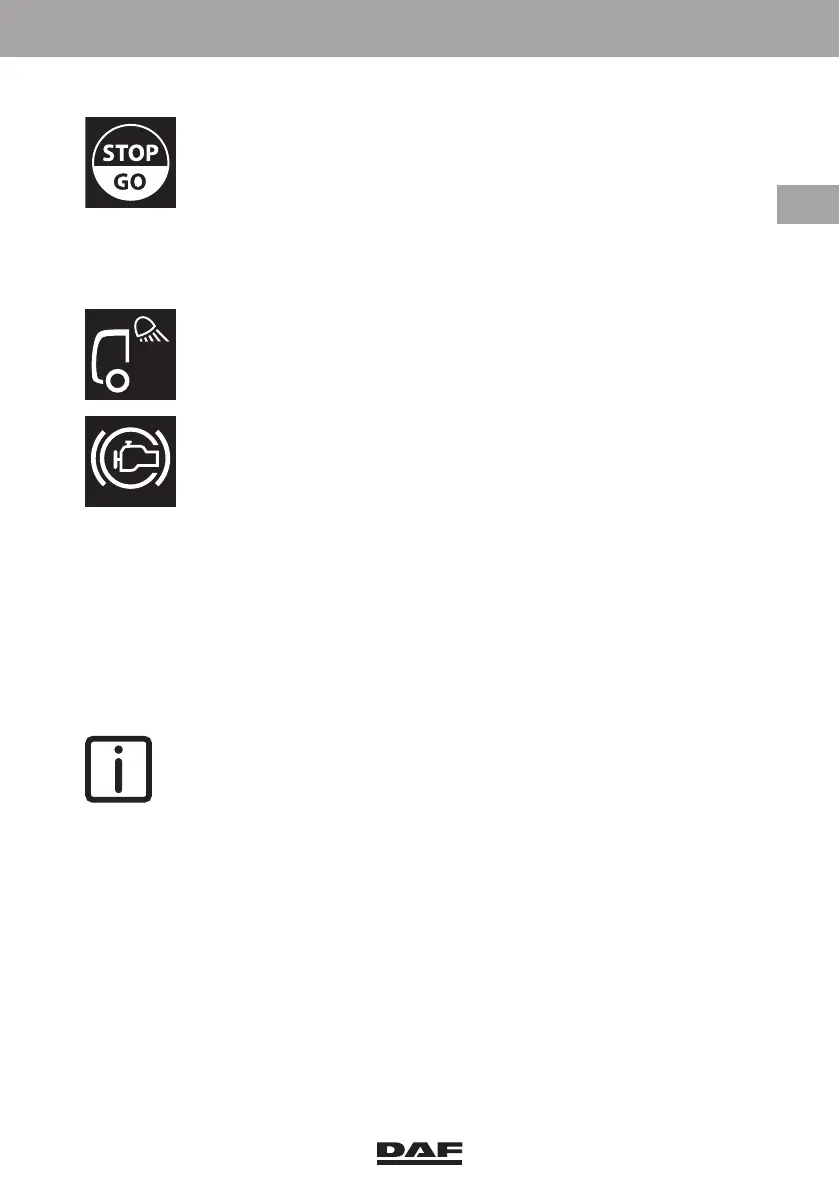
G.(1). Stop & Go switch.
Operate this switch to engage or disengage the Stop & Go function.
When this function is active, the Allison automatic gearbox automatically
shifts from 'Drive' to 'Neutral' when the foot brake pedal is applied and
vice versa.
A green indicator light in the switch indicates that the Stop & Go function
is activated.
G.(2). Hydraulic platform surround lights switch
Use this switch to switch the surround lights on the hydraulic platform on
or off.
A green indicator light in the switch indicates that the lights are activated.
G.(3). Depending on the version:
Hydraulic platform engine brake switch
Switch for engine brake after release accelerator pedal
NOTE: This switch has a lock to prevent accidental operation of the switch.
DW63246305.book Page 93 Friday, March 22, 2019 4:54 PM






 To Next Page