User’s Manual
8
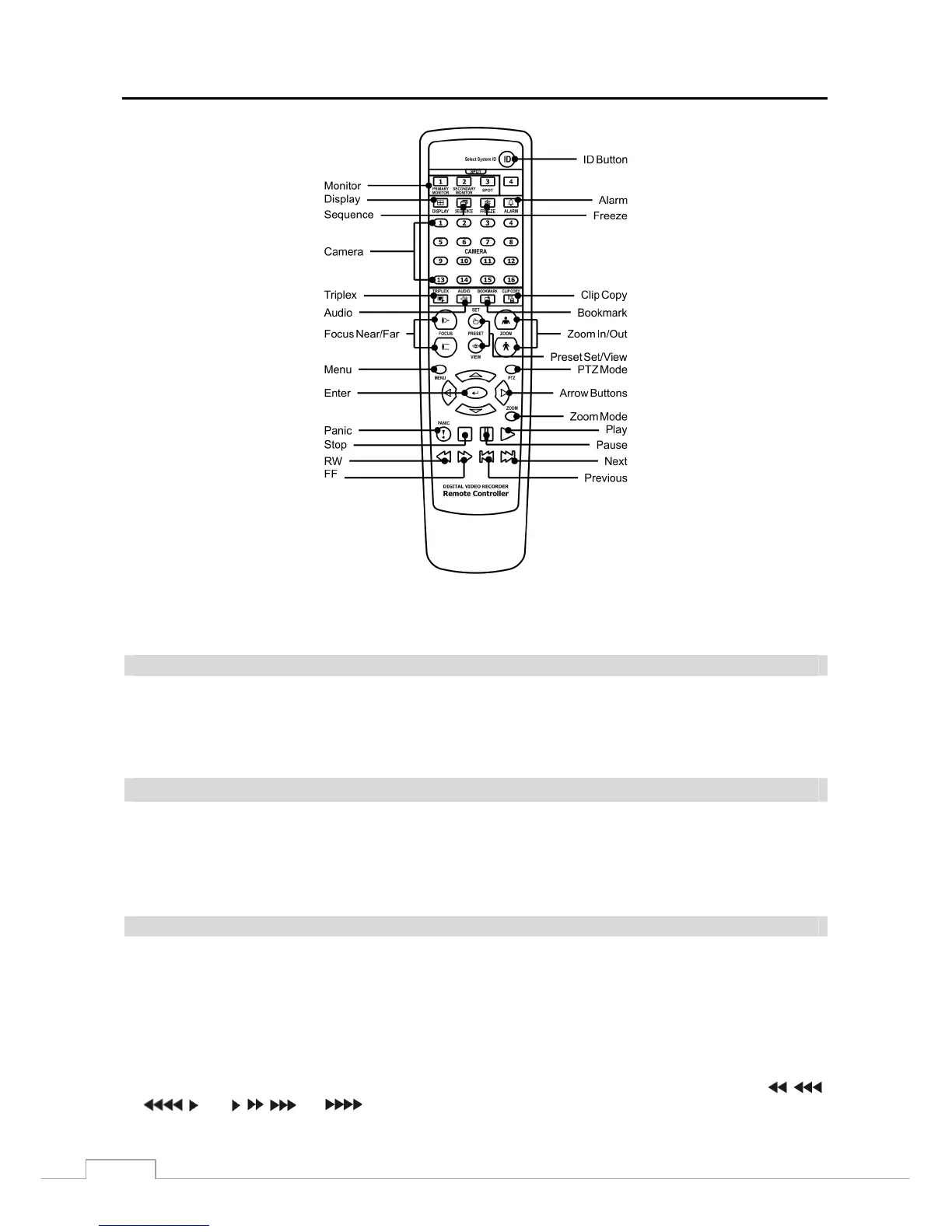
Figure 4 : Infrared remote control.
NOTE: For simplicity, the button descriptions in this manual refer to the front panel buttons.
Camera Buttons (1 to 16)
Pressing the individual camera buttons will cause the selected camera to display full screen. Pressing the buttons 1 to
4 toggles the camera selection between local cameras and network cameras. For example, pressing the button 1 displays
the local camera number 1 and pressing the button 1 again displays the network camera number 1. Buttons are also
used to enter passwords.
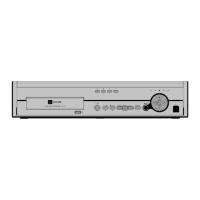
LED
Power LED: The Power LED is lit when the unit is On.
Network LED: The Network LED is lit when the unit is connected to a network via Ethernet.
eSATA LED: The eSATA LED is lit when an eSATA device is connected to the DVR.
HDD LED: The HDD LED flickers when the DVR is recording or searching video on the hard disk drive.
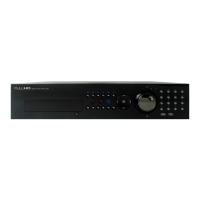
Jog Dial, Shuttle Ring
Jog Dial: When in the playback mode, you can play video forward image-by-image by turning the Jog Dial clockwise
and backward image-by-image by turning the Jog Dial counterclockwise. When in the PIP mode, you can make
the PIP screen smaller by turning the Jog Dial clockwise and larger by turning the Jog Dial counterclockwise. When
in the Setup mode, you can change number values by highlighting the item in the menu and turning Jog Dial clockwise
or counterclockwise to increase or decrease the number.
Shuttle Ring: The Shuttle Ring only functions in the Playback mode. The Shuttle Ring is spring loaded and returns
to the center position when released. Turning the ring clockwise plays video forward. Turning the ring counterclockwise
plays video backward. Playback speed varies with the amount the ring is turned. The playback speeds are
, ,
, x0.5, , , and
. When you release the ring, it snaps back to the center position and the video
pauses.



 To Next Page