Digital Video Recorder
41
Device Setup
Local Audio
Highlight Local Audio and press the
button, and the Local Audio setup screen appears.
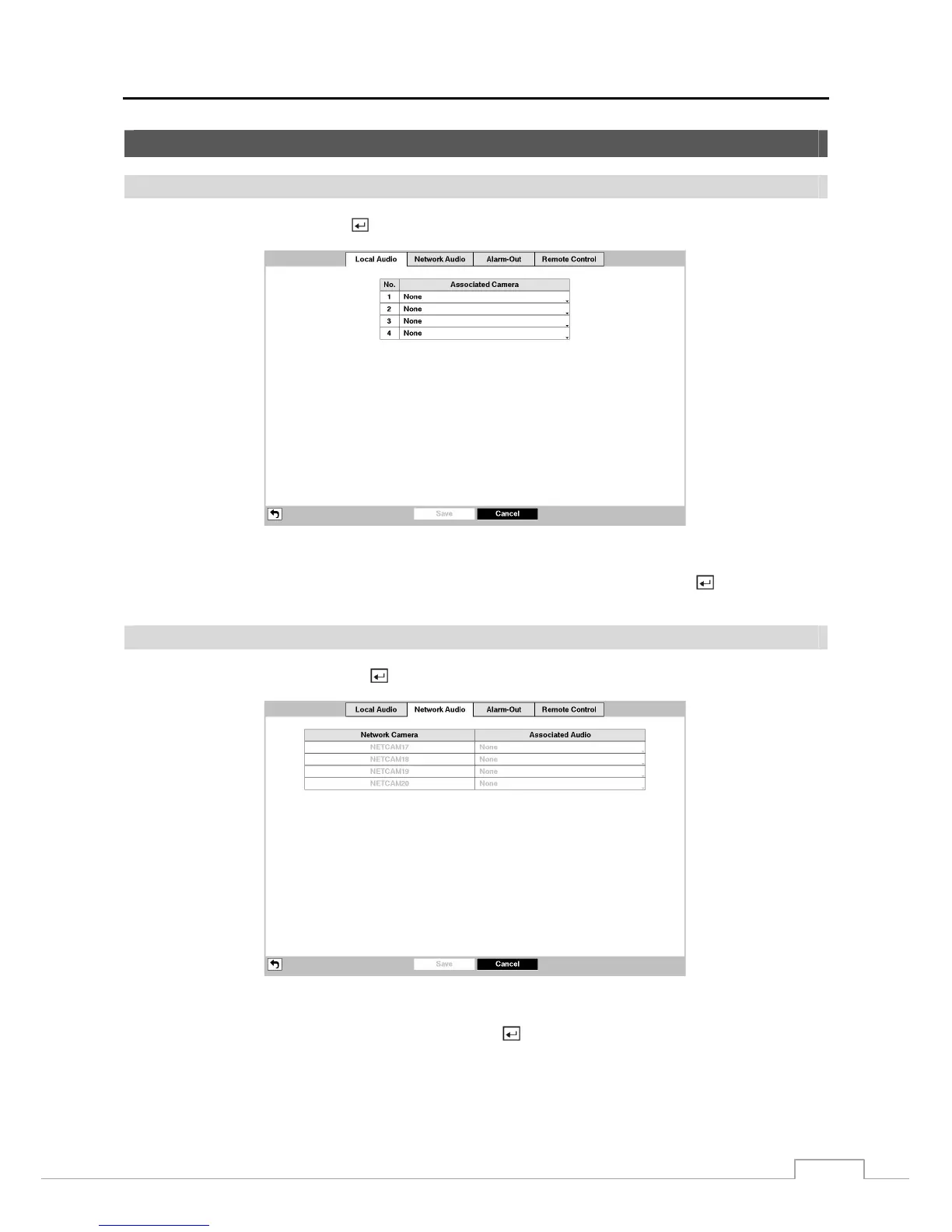
Figure 30 : Device – Local Audio setup screen.
The DVR can record up to four audio inputs. Highlight the box beside the input and press the
button. A list of
local cameras appears, and you can select which camera you want associated with that audio input.
Network Audio
Highlight Network Audio and press the
button, and the Network Audio setup screen appears.
Figure 31 : Device – Network Audio setup screen.
Highlight the box beside the network device input and press the
button. A list of local audio channels appears, and
you can select which audio channel you want associated with that network device input. Audio from the selected
channel will be sent to the network device that is associated with.







 To Next Page