248
DP-8032/8025
2008Ver.1.2
Note:
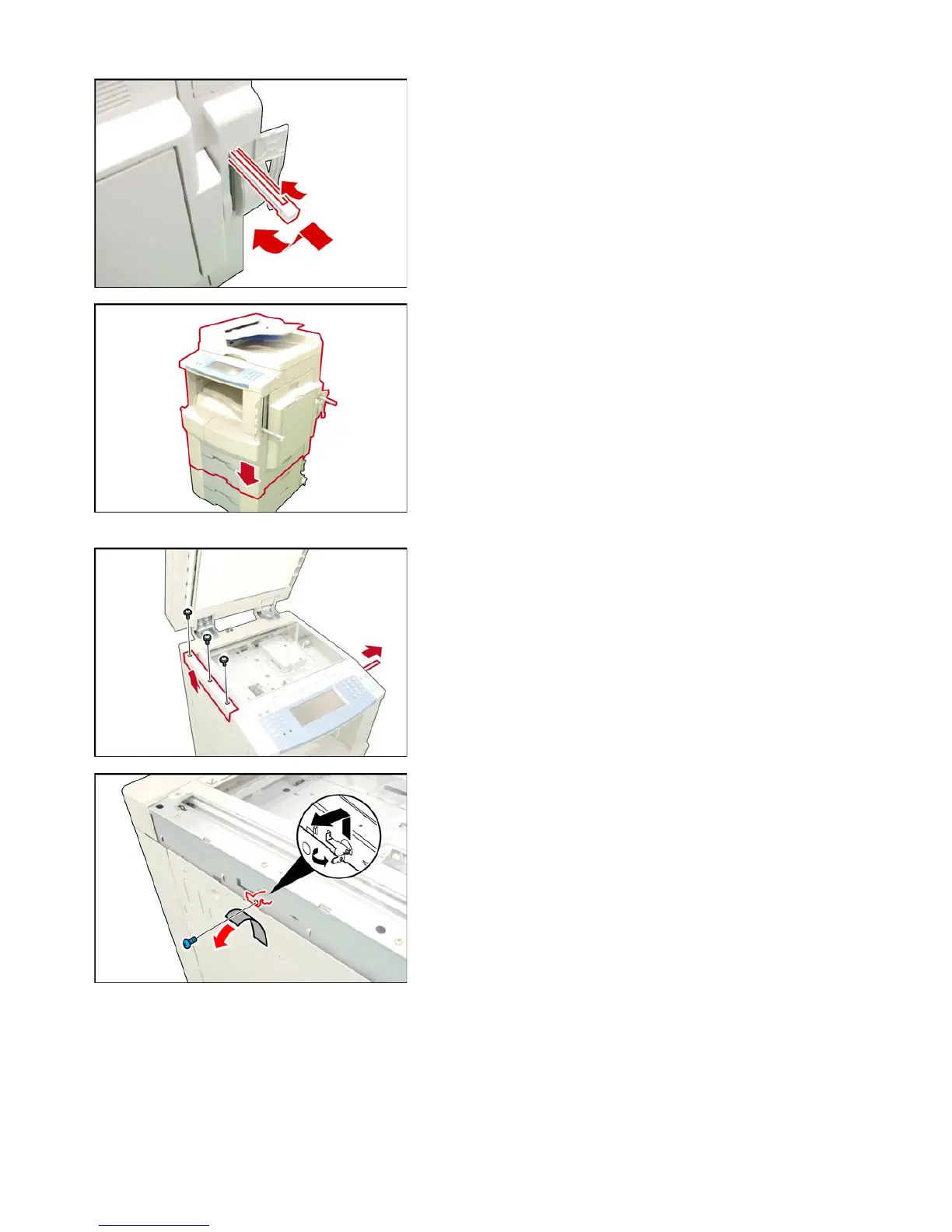
To release the Handle, pushing the Release Latch
toward the machine, push down the Handle into the
machine.
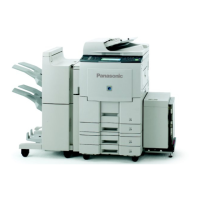
(5) Lift, and place the machine on a suitable Stand /
Paper Tray, aligning with front, and side
covers.
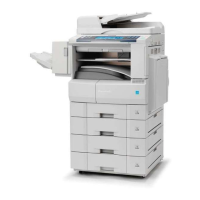
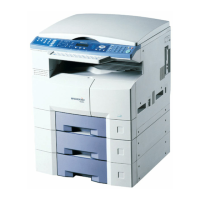
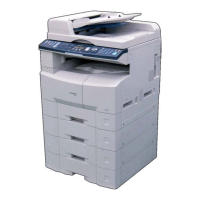
Deluxe Stand:(DA1D320 / DA1D310/DA1D230)
USA only
Paper Tray: (DA-DS305 / DS306)
Caution:
The machine weights approximately 181 lb (82 kg)
with the i-ADF pre-installed. To prevent injuries, use
the appropriate number of personnel, and the proper
equipment to lift, or move the machine.
<Unlocking the Protective Tape>
(6) Open the ADF.
(7) Remove the Protective Tape from the Battery.
<Unlocking the Scanner>
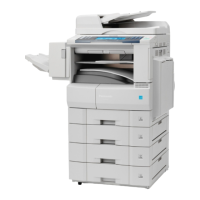
(8) Remove 3 Screws.
(9) Remove the Left Platen Cover.
(10) Remove the Tape.
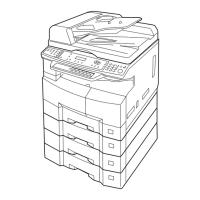
(11) Remove 1 Blue Screw.
(12) Remove the Shipping Metal Bracket by rotating
counterclockwise to unlock the Scanner.
Caution:
If the Shipping Material (Metal Bracket and Blue
Screw) is not removed as instructed, the machine
may get damaged when the Power Switches are
turned ON.
Note:
Store the Shipping Material (Metal Bracket and Blue
Screw) into the machine as shown in the following
steps for future use.
(13) Reinstall the Left Platen Cover and 3 Screws.
(14) Close the ADF.









 To Next Page