Base Unit Settings
140 For assistance, please visit http://www.panasonic.com/phonehelp
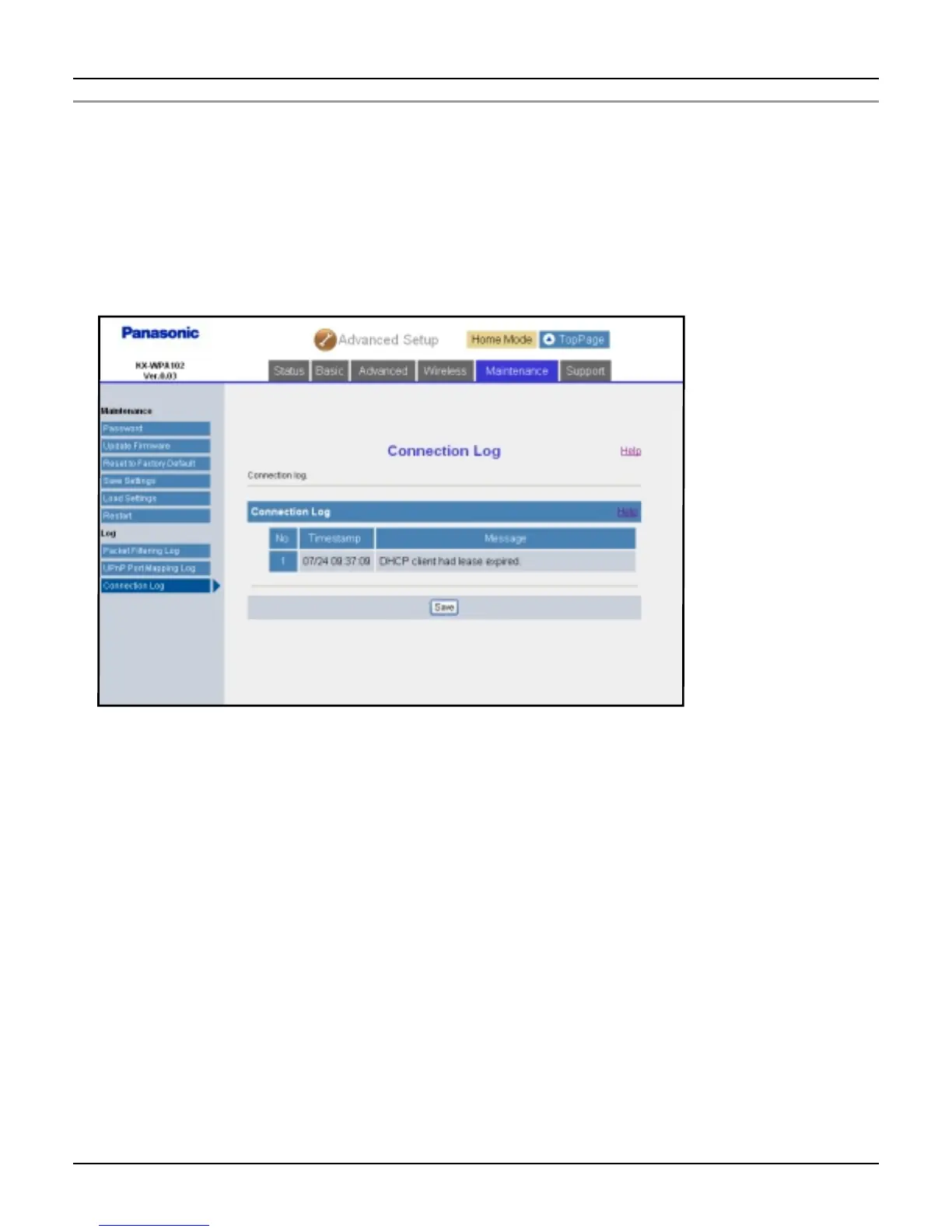
Connection Log:
Connection Log displays the temporarily saved logs of connection, disconnection and
authentication during PPPoE or DHCP connection, and saves the logs on your computer.
1 Click [Advanced Setup] on Top Menu.
2 Click the [Maintenance] tab, then click [Connection Log].
L Connection logs are displayed.
3 Click [Save].
4 Specify the location and enter the file name, and click [Save] on the Save As dialog
box.














 To Next Page