Getting Started
34 For assistance, please visit http://www.panasonic.com/phonehelp
7 Enter the desired profile name for the profile No. you select, then click [Next>].
L If you wish to use the default Internet connection setting (DHCP), check [Skip by
setting].
L See step 4 on page 31 for details.
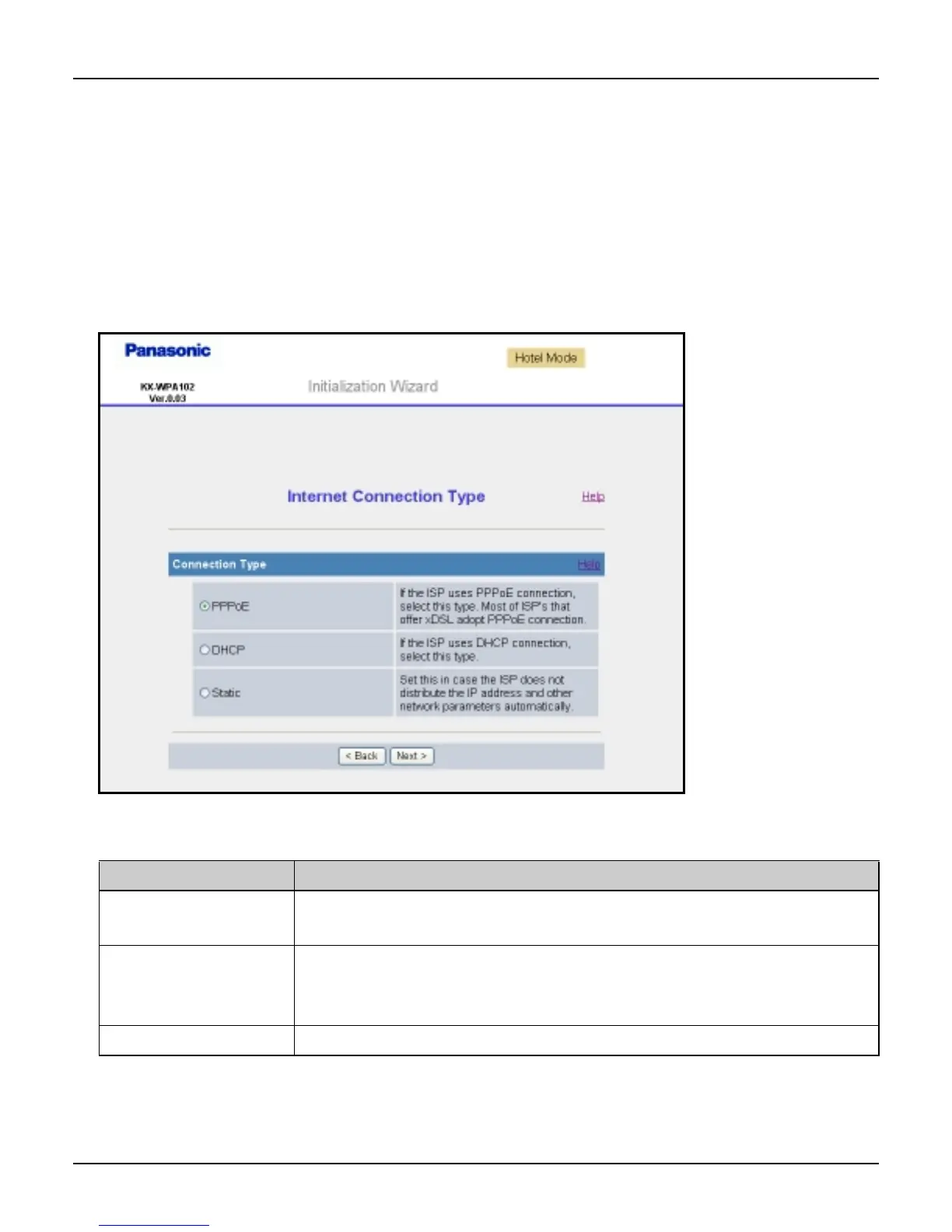
L The Internet Connection Type page is displayed.
Note:
L If you check [Skip by setting], the Internet Connection Type page will not be
displayed.
8 Select the desired connection type used in HOTEL mode, then click [Next>].
L [DHCP] mode (default setting for hotel Internet connection type) is often used in hotel
rooms.
Setting Description
[PPPoE] L This connection mode is usually required for use with DSL
modems.
[DHCP] L Allows the base unit to receive an IP address automatically
from a DHCP server. This connection mode is usually
required for use with cable modems.
[Static] L Allows the base unit to assign a specific IP address.













 To Next Page