Getting Started
36 For assistance, please visit http://www.panasonic.com/phonehelp
Configuring the Internet connection settings
Configure the Internet connection mode you select in the Internet Connection Type page
of Initialization Wizard (in step 6 of page 33 for HOME mode; step 9 of page 35 for HOTEL
mode).
L If your Internet service provider or network administrator does not specify any of the
settings, leave the data fields blank.
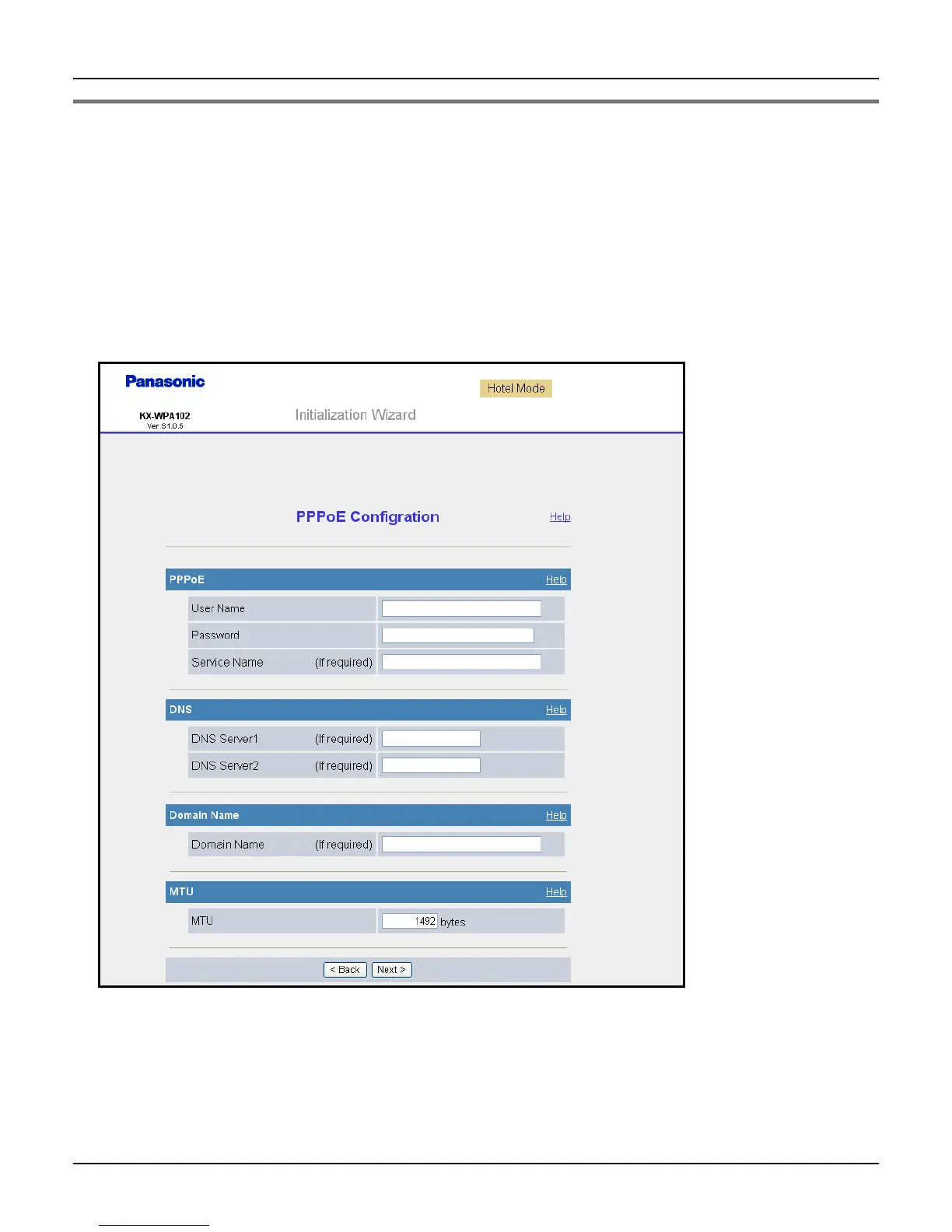
PPPoE Configuration: (Point to Point Protocol over Ethernet) This connection mode is
usually required for use with DSL modems.













 To Next Page