Getting Started
For assistance, please visit http://www.panasonic.com/phonehelp 41
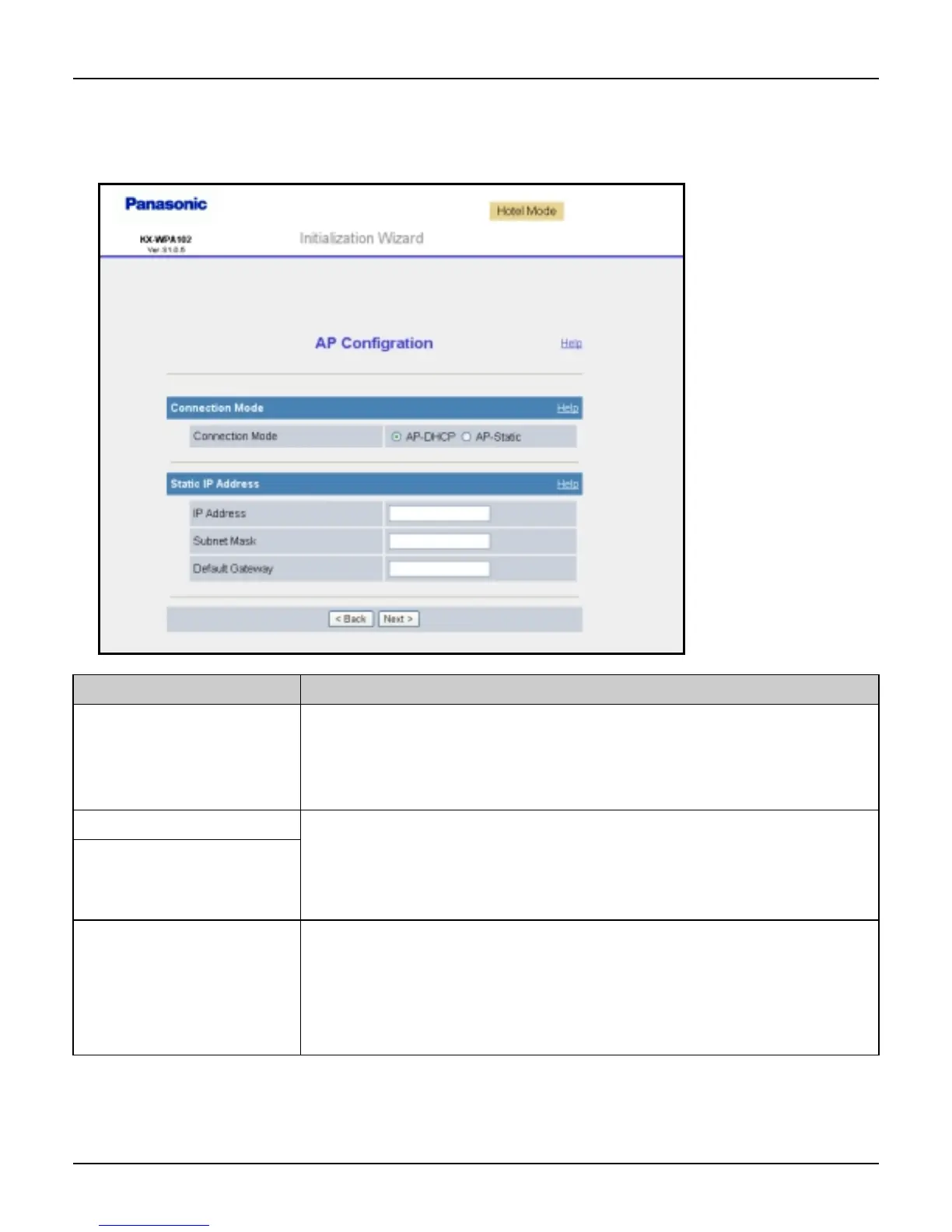
AP Configuration: This configuration needs to be made if you have a router at home and
use the base unit as an access point. (AP Configuration is not available in the HOTEL
mode.)
Setting Description
[Connection Mode] L Select AP-DHCP for Connection Mode if the DHCP server is
operating in the router or modem with a built-in router you
are using. Select AP-Static if you want to assign Static IP
address.
[IP Address] L Set the IP address and subnet mask corresponding to your
local network.
L Set 4 digits (0 – 255) and 3 periods such as “192.168.0.253”.
But “0.0.0.0” and “255.255.255.255” are not available.
[Subnet Mask]
[Default Gateway] L Set the default gateway address corresponding to your local
network by entering the IP address of your existing router or
modem with a built-in router, for example.
L Set 4 digits (0 – 255) and 3 periods such as “192.168.0.253”.
But “0.0.0.0” and “255.255.255.255” are not available.













 To Next Page