Getting Started
46 For assistance, please visit http://www.panasonic.com/phonehelp
Battery level
Note:
L When the battery needs to be charged, the handset beeps intermittently during use.
Panasonic battery performance
Note:
L Battery operating time may be shortened over time depending on usage conditions and
surrounding temperature.
L Battery operating time may be shortened when you connect to a different access point,
or after you change some settings in the handset.
L The battery level may not be displayed correctly after you replace the battery. In this
case, let the battery charge for 6 hours.
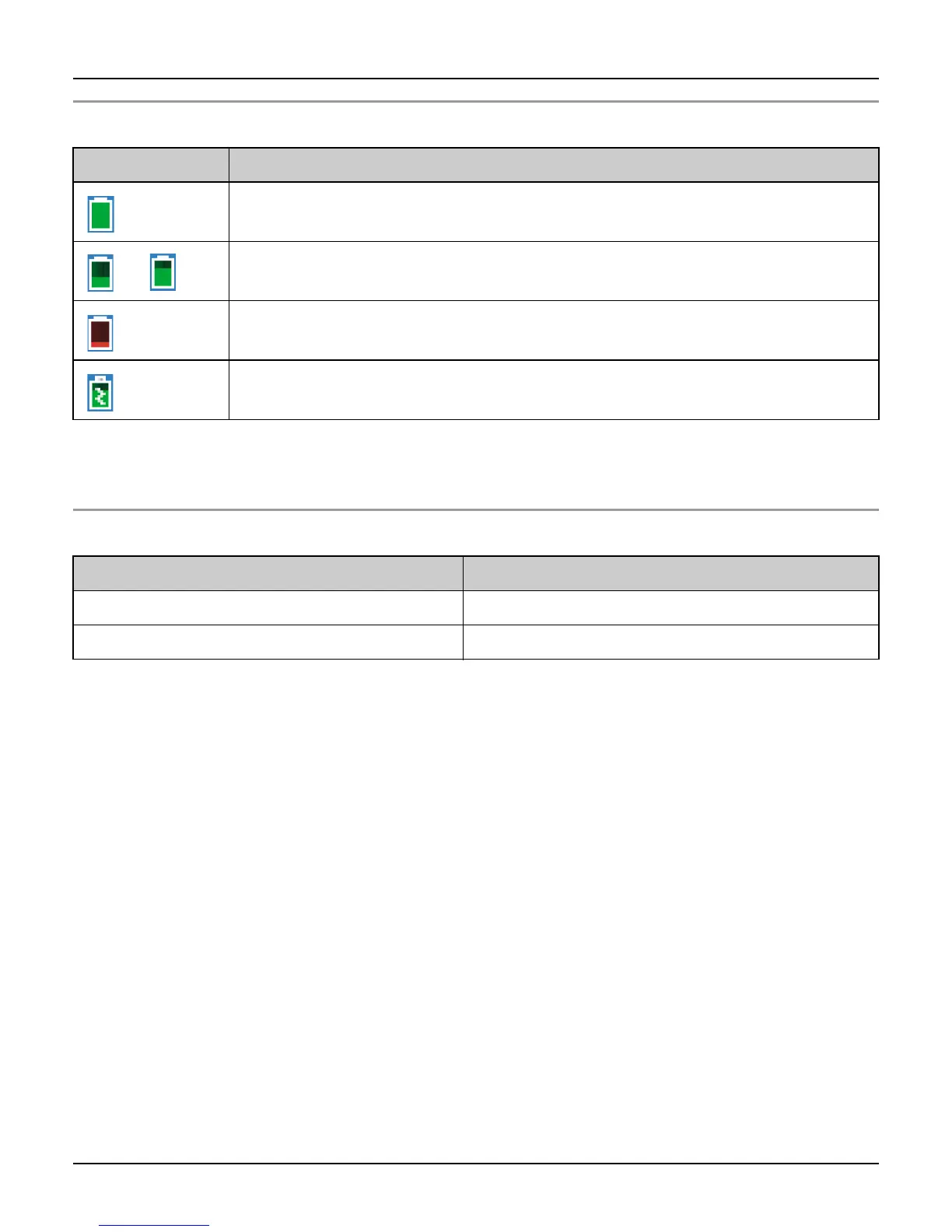
Battery icon Battery level
Fully charged
Medium
Low
Flashing: needs to be recharged.
Charging
Operation Operating time
While in use (talking) Up to 3 hours
While not in use (idle) Up to 72 hours













 To Next Page