Base Unit Settings
98 For assistance, please visit http://www.panasonic.com/phonehelp
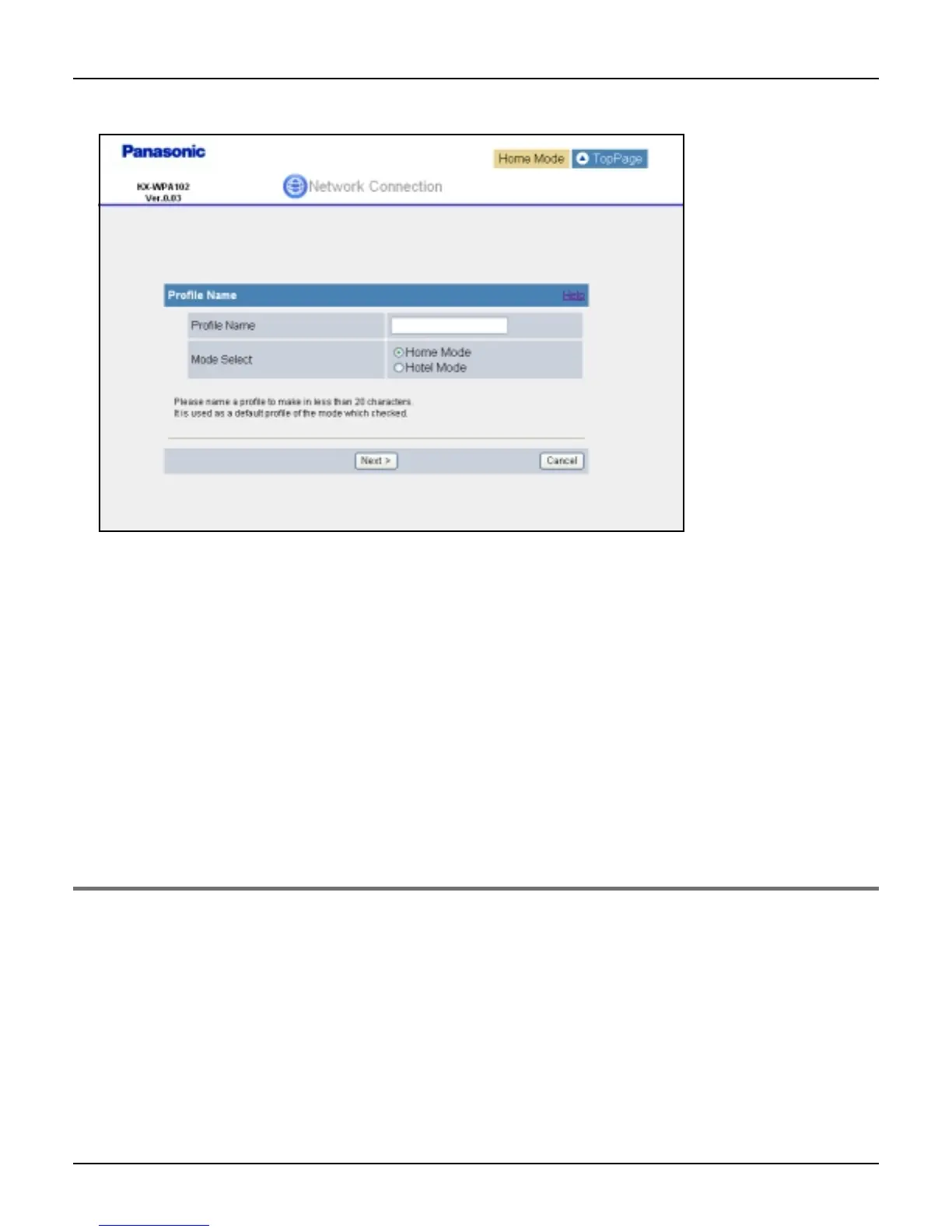
3 Enter the profile name.
4 Select the mode, then click [Next>].
5 Select the connection mode, then click [Next>].
6 Configure the connection mode you select in step 5, then click [Next>].
L See “Configuring the Internet connection settings” on page 36 for instructions.
7 Confirm the settings you are about to save, then click [Save].
8 Click [Restart].
L The base unit restarts in the connection mode that is registered as HOTEL or HOME
mode profile you have just created (The position of the Mode selector switch
determines the connection mode.).
Modifying the existing network connection profile
1 Click [Network Connection] on Top Menu.
2 Click [Modify] under the Network Connection heading.













 To Next Page