To temporarily stop recording
Press the pause button.
To resume recording, press the pause button again.
To stop recording
......... Press the stop/eject button.
To erase recorded sounds
When new recordings are made on a recorded tape, all sounds
recorded on that portion of the tape are automatically erased.
To erase a tape without making a new recording, follow the steps
below.
1. Insert the recorded cassette into the cassette holder of tape
deck 1.
2. Press the input selector marked "TAPE".
3. Switch OFF the Dolby noise-reduction switch.
4. Press the record button.
Note: _
Do not press the p!ayback button on tape deck 2.
(To do so might activate the edit-recording mode.)
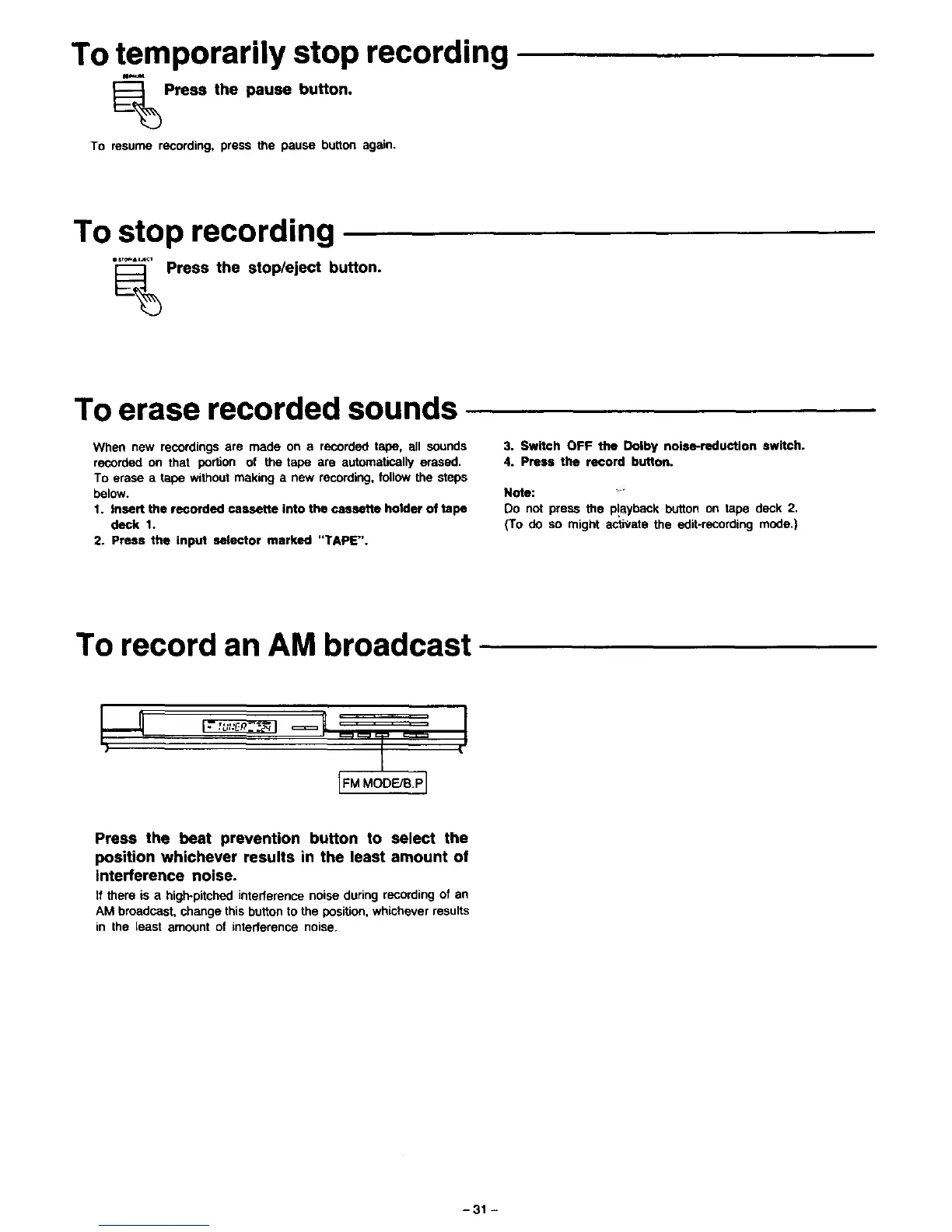
To record an AM broadcast ....
I *
L_M.oo_BPJ
Press the beat prevention button to select the
position whichever results in the least amount of
interference noise.
zfthere is a high-pitchedinterferencenoiseduringrecordingof an
AM broadcast,changethis buttonto the position, whicheverresults
in the least amount of interference noise.
-31 -



 To Next Page