d) Power down to exit by pressing [ POWER] button on the main unit.
e) The CLEAR key on the remote controller when used in any test items mode shall end the current test, operations and exit Doctor
Mode.
11.1.3. Check Sum Display of EEPROM
·
The check sum of EEPROM; It displays it.
·
When the operation which enters the doctor mode in the doctor mode is done, version No. of EEPROM; It is (DEC display) and
a check sum (HEX display).
1. Doctor mode ON.
2. pressing "C2DF"
The following are displayed
CHECKSUM [CHK-EA]
Note: Version/check sum displays ´. . . . . . CHK-NO´ when display when judged that there is EEPROM, and judged it not is.
·
It returns to the doctor mode display of usually by the operation which enters the doctor mode of usually by the operation which
enters the doctor mode again with the check sum displayed. (The display does not return by the time limitation)
11.1.4. Cold start setting
1. Doctor mode ON.
2. Press [4] button on the remote control.
·
Data shall be set in order to make a cold start (backup data are initialized) when reset starts next time.
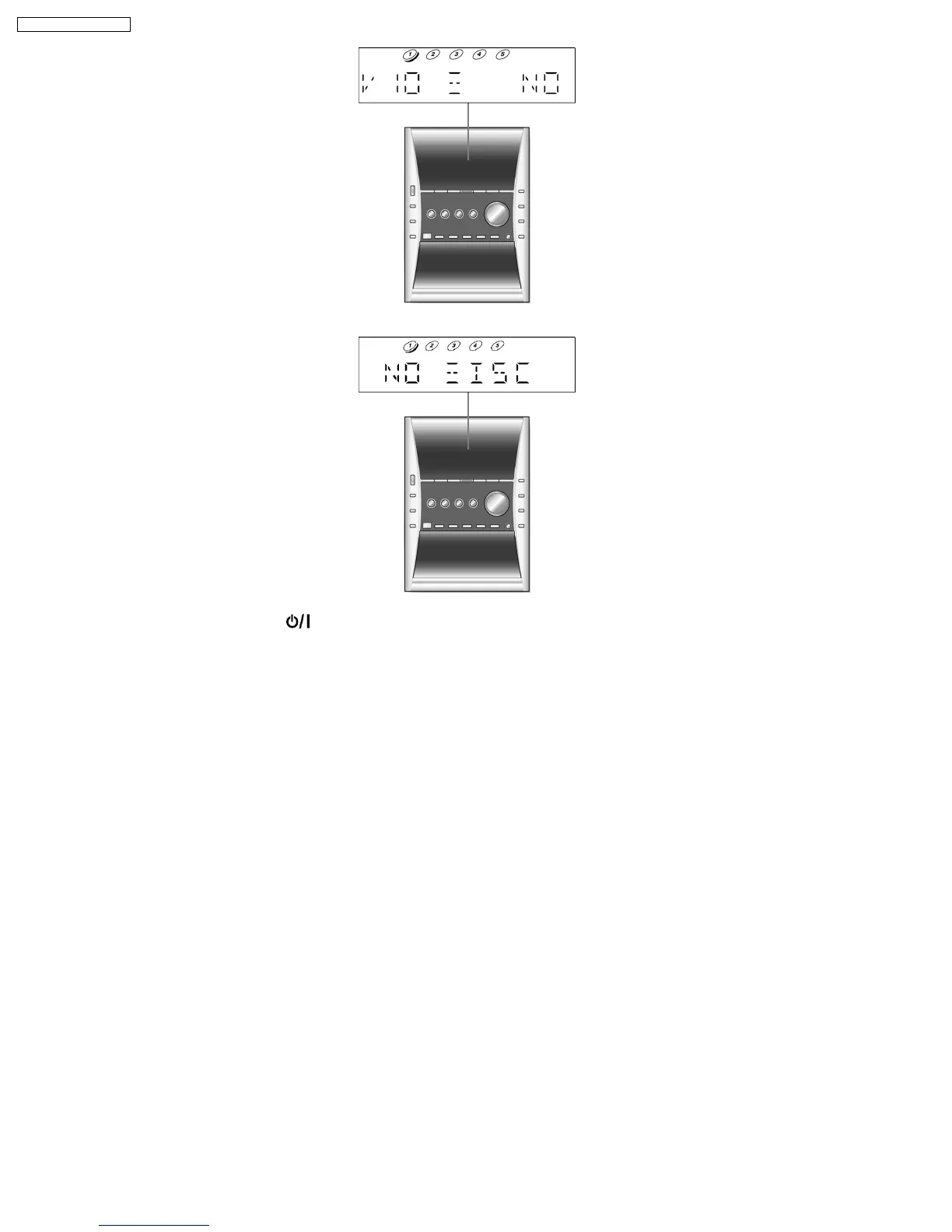
To clarify that the code was accepted at this time, the pattern below is displayed in the LCD for 2 seconds.
50
SA-PM31P / SA-PM31PC










 To Next Page