7 Operation Procedures
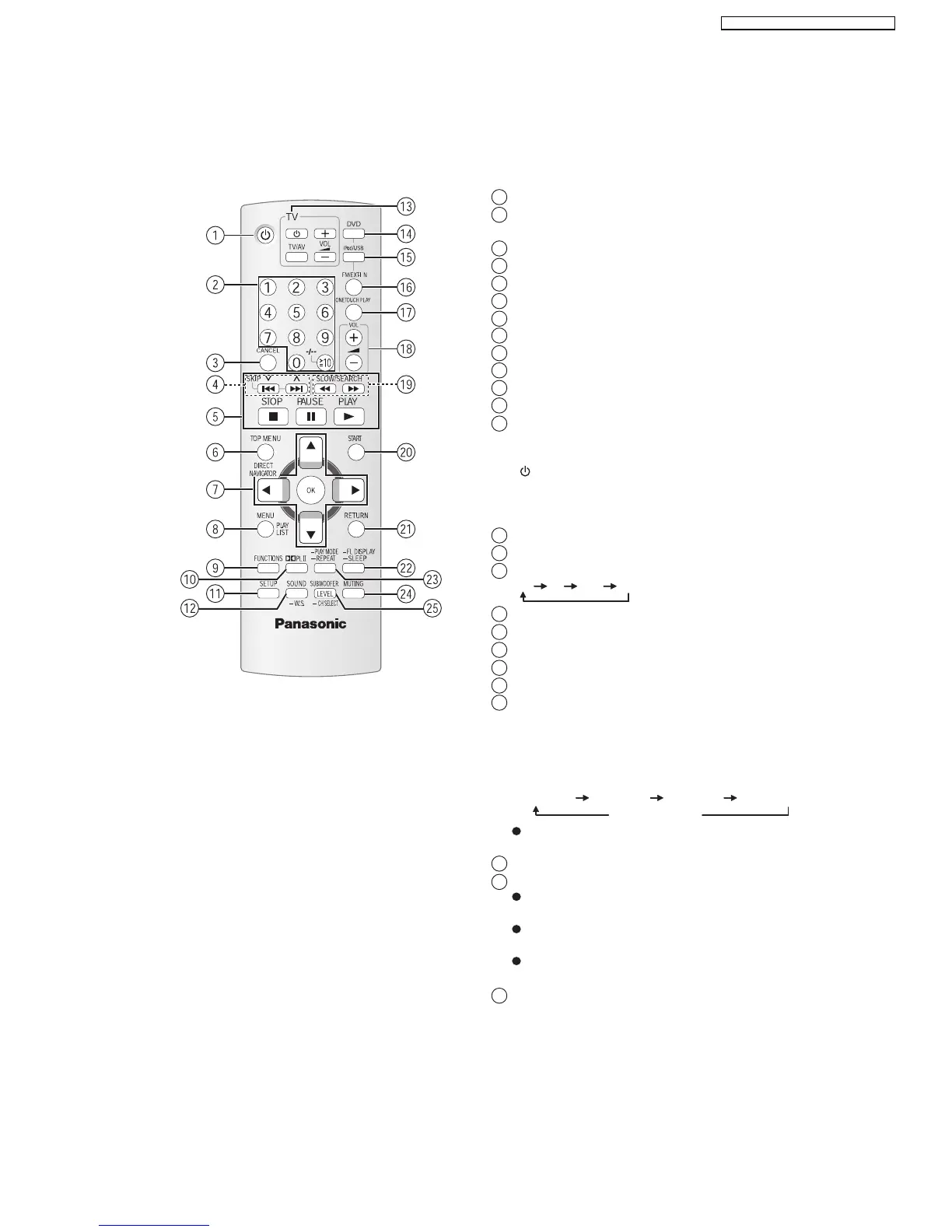
7.1. Remote Control Key Buttons Operations
Turn this unit on/off
1
Select channels and title numbers etc. / Enter
numbers
2
Cancel
3
Select preset radio stations
4
Basic operations for play
5
Show a disc top menu or program list
6
Select or confirm menu items / Frame-by-frame
7
Show a disc menu or play list
8
Show on-screen menu / Display RDS text data
9
Show setup menu
11
Turn Dolby Pro Logic II on/off
10
TV op eratio ns
Aim the remote control at the Panasonic TV and
press the button.
[TV/AV]: Change the TV’ s video input mode
This may not work properly with some models.
[]
: Turn the TV on/off
[, ]:
Adjust the TV volume
+-
13
Select sound mode / Turn Whisper-mode Surround on/off
12
Select disc as the source
14
Select USB or iPod as the source
15
X
16
Select FM tuner or external audio as the source
FM AV AU D-IN
Start up and play a disc automatically
17
Adjust the volume of this unit
18
Show START menu
20
Return to previous screen
21
Select radio stations manually
19
Adjust the subwoofer level or select speaker channel
25
22
Set the Sleep timer
Press and hold [-SLEEP].
While the time is shown on this unit’ display, press
the [-SLEEP] repeatedly.
or
Switch information on this unit’s display
SLEEP 30 SLEEP 60 SLEEP 90 SLEEP120
OFF (Cancel)
To confirm the remaining time, press and hold the
button again.
Select the play mode / Set the rep eat mode
23
24
Mute the sound
"MUTING" flashes in this unit’s display while the
function is on.
To cancel, press the button again or adjust the
volume.
Muting is cancelled when you switch the unit to
standby.
15
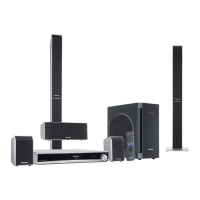
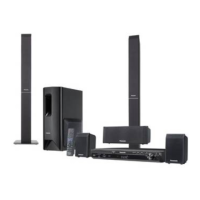
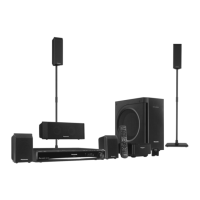
SA-PT560E / SA-PT560EB / SA-PT560EG







 To Next Page