8.4. Service Mode Table (Wireless-eg.SH-FX67)
By pressing various button combinations on the player and remote control unit, you can activate the various service modes for
checking.
8.4.1. Service Mode Table 1
FL Display
Key Operation
Front Key
Item
DescriptionMode Name
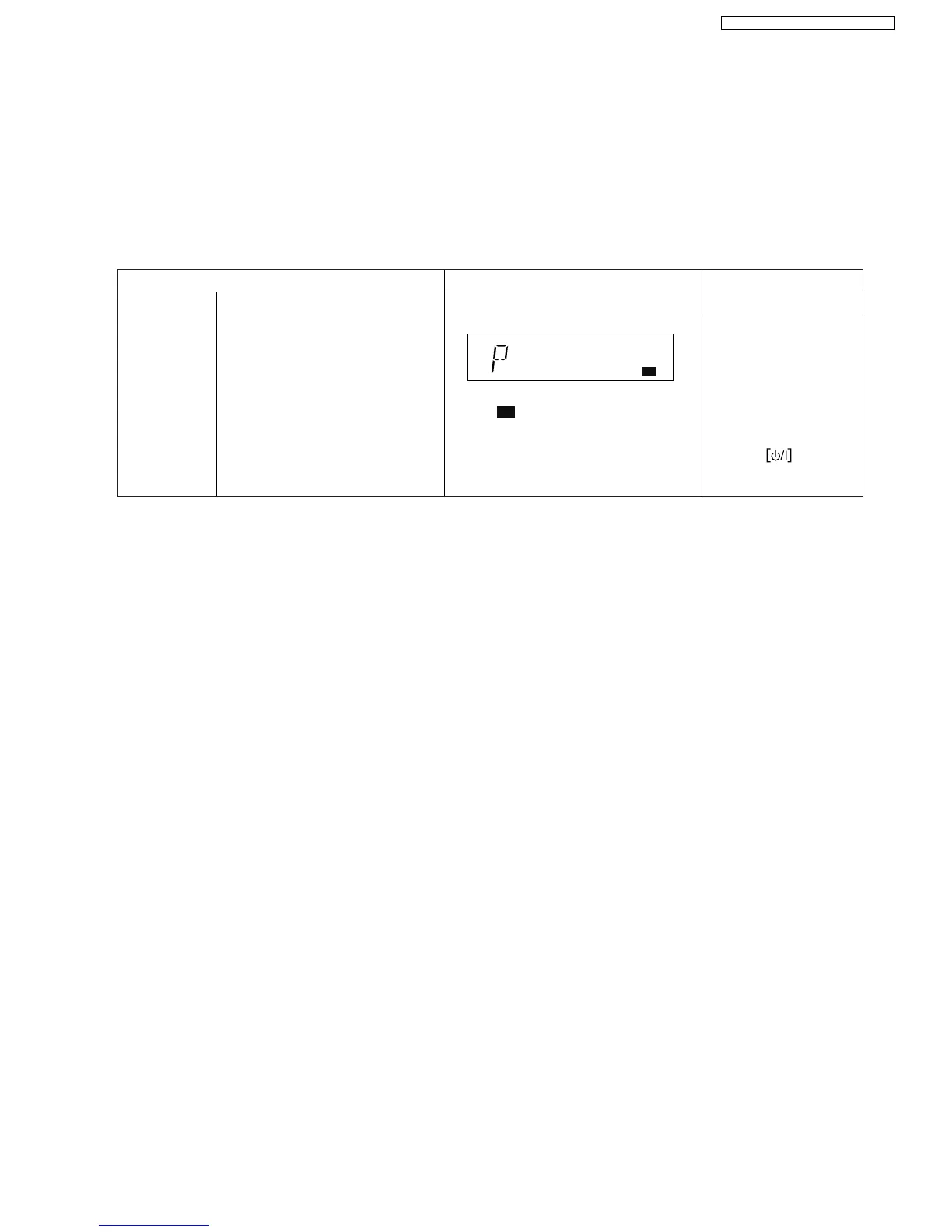
ID Setting
Press the on main
unit or remote control.
Select in CD/DVD mode.
Press and hold [FAST
FORWARD] button on the
main unit, and [3] button
on the remote control unit.
Note : will blink when a new transmitter
card is inserted or when the Receiver
module P.C.B.(Rx) has been changed.
It will stopped when paining is completed.
To set the ID in the Tx & Rx. The
system goes into "Pairing Mode".
[P] will be displayed for 60 seconds to
indicate it is in "Pairing Mode".
During this condition, the "ID set"
button on the receiver unit can be
pressed to pair the Tx & Rx.
After 60 seconds, the FL display will
return to its previous display.
Note: Carry out pairing when Tx or Rx
has been changed.
W1
W1
33
SA-PT560E / SA-PT560EB / SA-PT560EG







 To Next Page