26
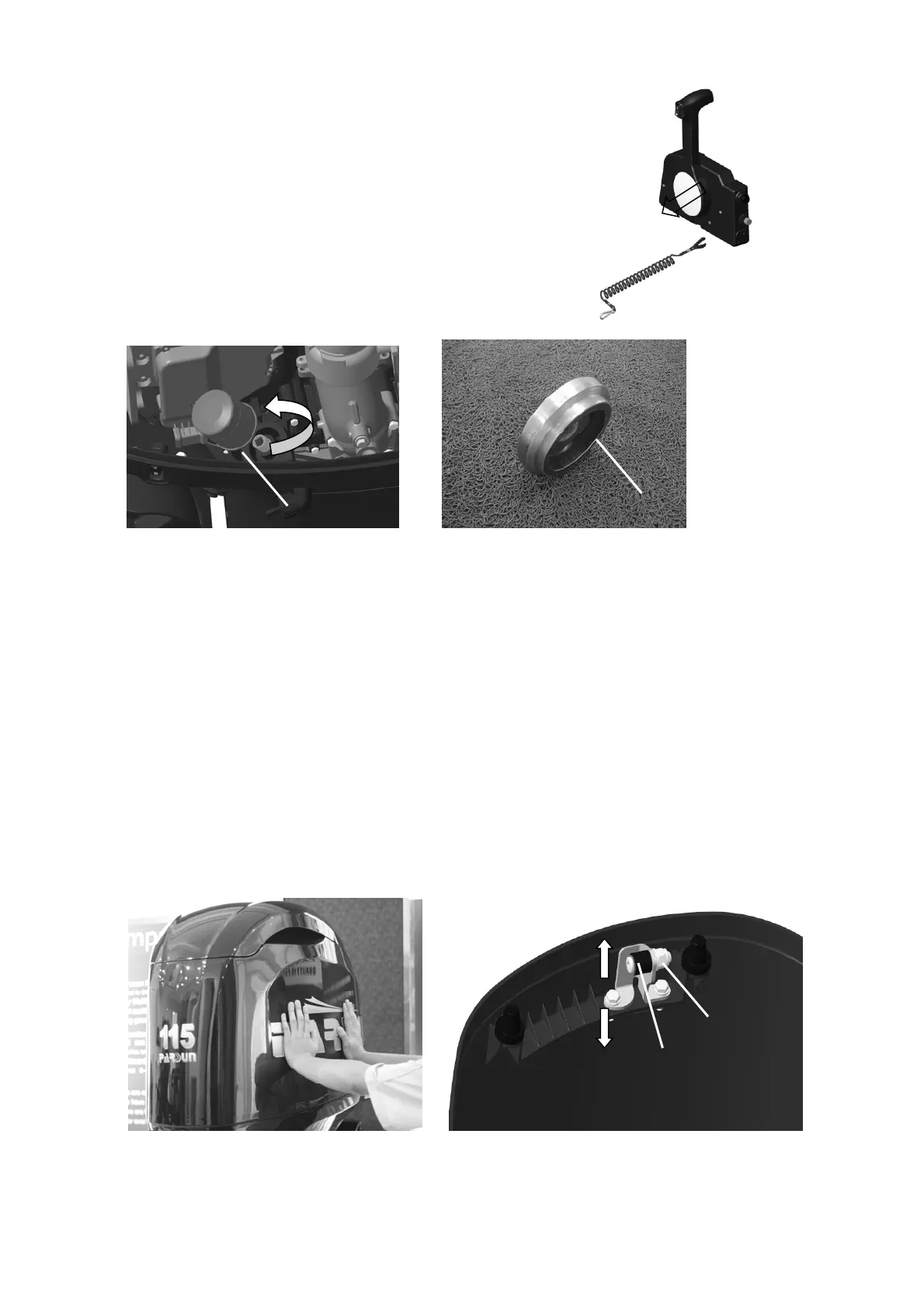
3. When the engine stop safety line is removed from the emergency stop switch,
check if the engine stops. If the engine does not stop,
please check the emergency stop switch.
Change the oil filter
1. Drain the engine oil, see "Change engine oil".
2. Remove the oil filter with special tools; And clean up the spilled oil.
1. Oil filter 2. Oil filter spanner
3. Install a new oil filter and tighten it to the specified torque as required. (18Nm)
4. Fill the specified amount of oil through the oil filler.
5. Install the oil cover and dipstick, start the engine and run for 5-10 minutes.
6. Turn off the engine and stop the fuel for 5-10 minutes.
7. Check the oil level.
Check the top cover
1. Push the top cover with both hands to check if the top cover is mounted tightly. If it is loose, please
adjust it.
2. Loosen the lock nut "2".
3. Move the pulley "1" up or down slightly and adjust it to the appropriate position.
Note:
1
2
1
2
﹣
a


 To Next Page