12
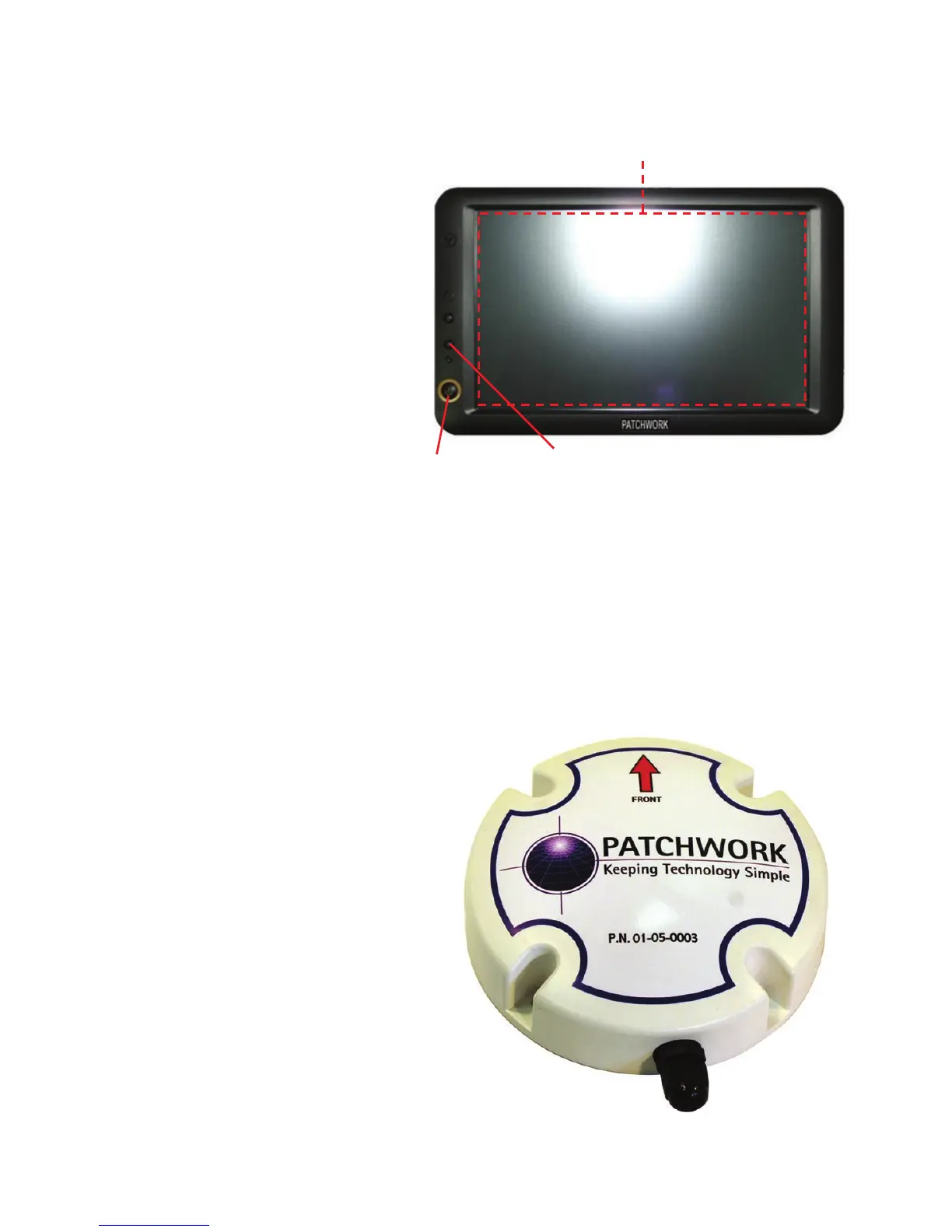
Screen
Power On/Off button – This
turns the screen on and off.
Please Note: this does not
turn off the system completely,
the system needs to be
disconnected from the power
source.
Brightness button – Press
this button to scroll through
different levels of brightness
for the display screen
Touch Screen – The unit uses an LCD Touch Screen which allows the user to
interact with the BlackBox software. Use the Touch Screen by pressing and
applying some pressure to the area of the screen where the required button or
option is.
Receiver
Hi Gain Antenna - The unit has a built in Hi Gain antenna for receiving GPS
signals.
GPS Receiver - A built in receiver
board translates the messages
detected by the antenna for use
with the BlackBox software.
Tilt Compensator - An
inclinometer is built in to the unit,
which when active will correct the
guidance position when working on
side slopes and/or hills.
Important !! The red arrow must
be pointing towards the direction of
travel for the Tilt Compensator to
work correctly.
Unit Functions
Power On/Off
Brightness
Touch Screen



 To Next Page