26
Unit Setup
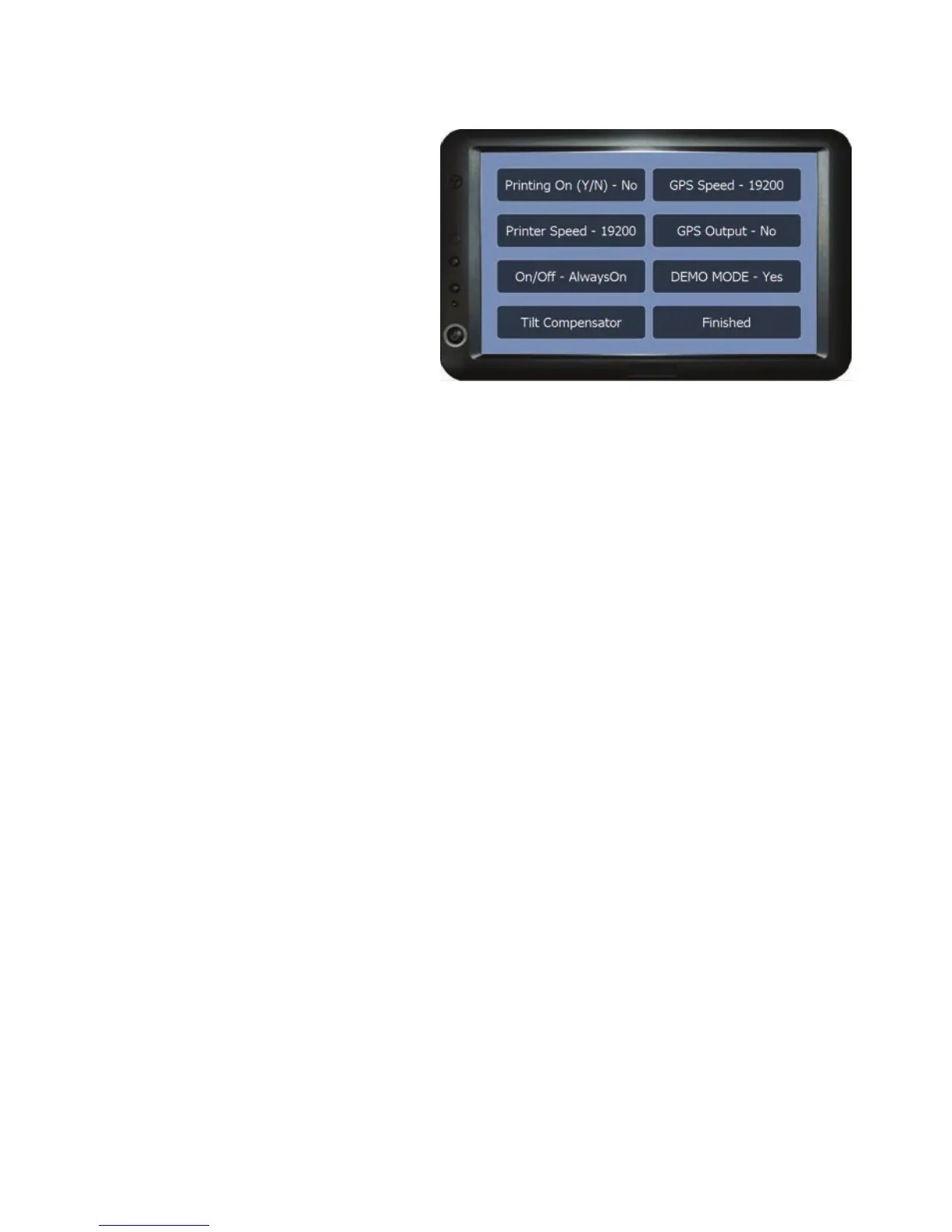
Port Setup
The options in this menu are used
to setup the serial ports speeds
when connecting external devices,
the coverage area recording On/
Off method and built in tilt
correction.
Printing On (Y/N) - Turns printing on or off.
GPS Speed - To setup the port speed for the GPS port when using an external
source.
Printer Speed - Sets the port speed for when a weather station or other
compatible external device is connected .
GPS Output - Turns the GPS output on or off. When set to ‘Yes’ the unit will
transmit a GPS signal (GPS port cable part no. 03-05-0010 required).
On/Off - Opens the Coverage Area Recording On/Off method selection list. See
page 28 for details of the on/off methods in the On/Off selection list.
Demo Mode - Turns the demo on or off. When set to Yes the unit will simulate
movement using a string of GPS coordinates.
Please note that when this mode is on the unit will not pick up a GPS
signal.
Tilt Compensator - This opens the tilt compensator options menu to setup and
reset the tilt compensator. See page 27 for the Tilt Compensator options menu.
Finished - Returns to the Setup menu.



 To Next Page