27
Unit Setup
...Port Setup
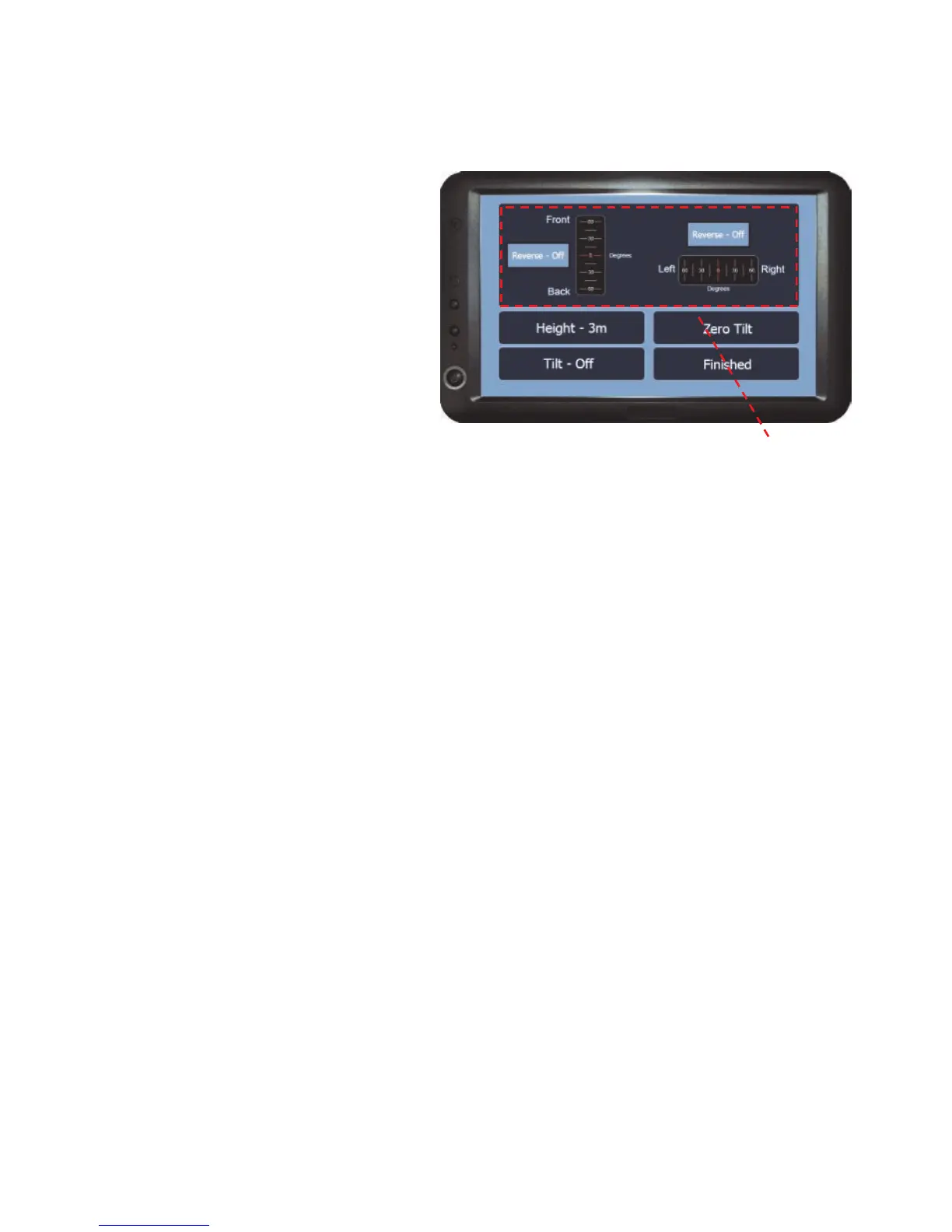
Tilt Compensator options
The options in this menu are used
to setup the tilt compensator and
to visually calibrate the tilt
mechanism.
Angle Gauges - These gauges display the front/back and left/right angle you
are currently on based on the last reset.
Height - Sets the distance that the antenna is from the ground. This needs to be
set in order for the tilt compensator to function correctly.
Tilt - Turns the tilt compensator on or off.
Zero Tilt - To zero (reset) the angle gauges, when the vehicle is on a level
surface (do not use the gauges to determine this) and press Zero Tilt. The
gauges will then show both the angle gauges as zero.
N.B. It is important that the receiver is mounted flat and the red arrow is
pointing towards the direction of travel.
Finished - Returns to the ports setup menu.
Angle Gauges



 To Next Page