35
Starting a Job
Resume Unplanned Job
N.B. Jobs cannot be paused if recording is set to No.
Planned Job
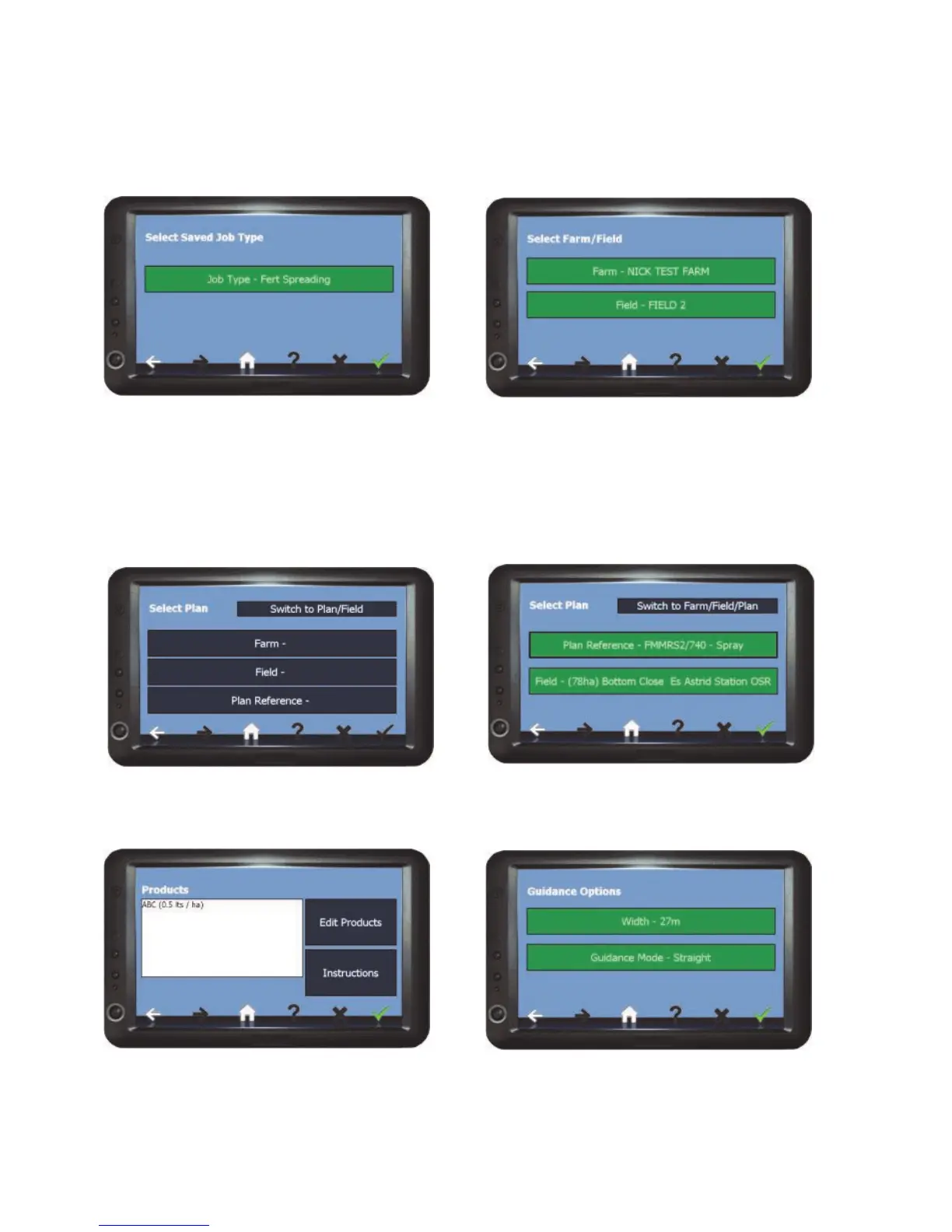
1) Select the Job Type to resume and
press Confirm.
2) Select the Farm/Field to resume and
Confirm. The Job Screen will open with
coverage recording data and any AB lines
that were saved at the time of pausing.
3) If required Edit Products and/or check
Instructions, when ready press Confirm.
1) Select a plan by Farm/Field/Plan and
Confirm. Or Switch to Plan/Field...
... And select a plan by Plan/Field
and Confirm.
4) Enter the working Width, select the
Guidance Mode (see page 40 for details)
and press Confirm. The Job Screen will
open ready to begin.
OR



 To Next Page