22
Unit Setup
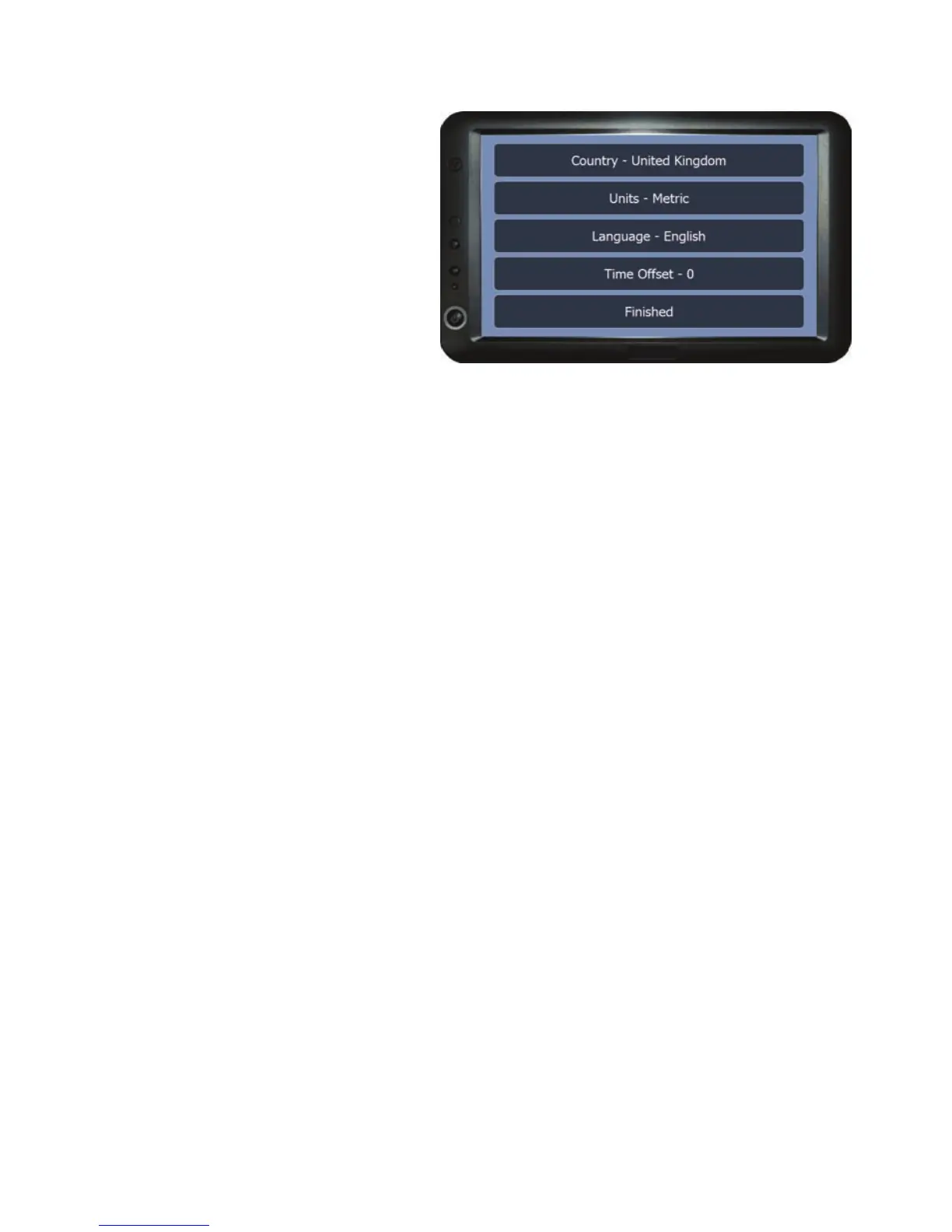
Local Setting
The options in this menu are used
to set your locality in the world,
unit measurements, language and
the time difference (based on
GMT).
Country - To select which country you are in.
Units - Sets the unit measurement type to Imperial or Metric (i.e. Miles or
Kilometres); this will affect the menu areas and job screen where a
measurement is required or displayed.
Language - To select the language that you want the menus to be displayed in.
Time Offset - To adjust the time difference for your location based on
Greenwich Mean Time. This can also be used for Day Light Savings time.
Finished - Returns to the Setup Menu.



 To Next Page