23
Unit Setup
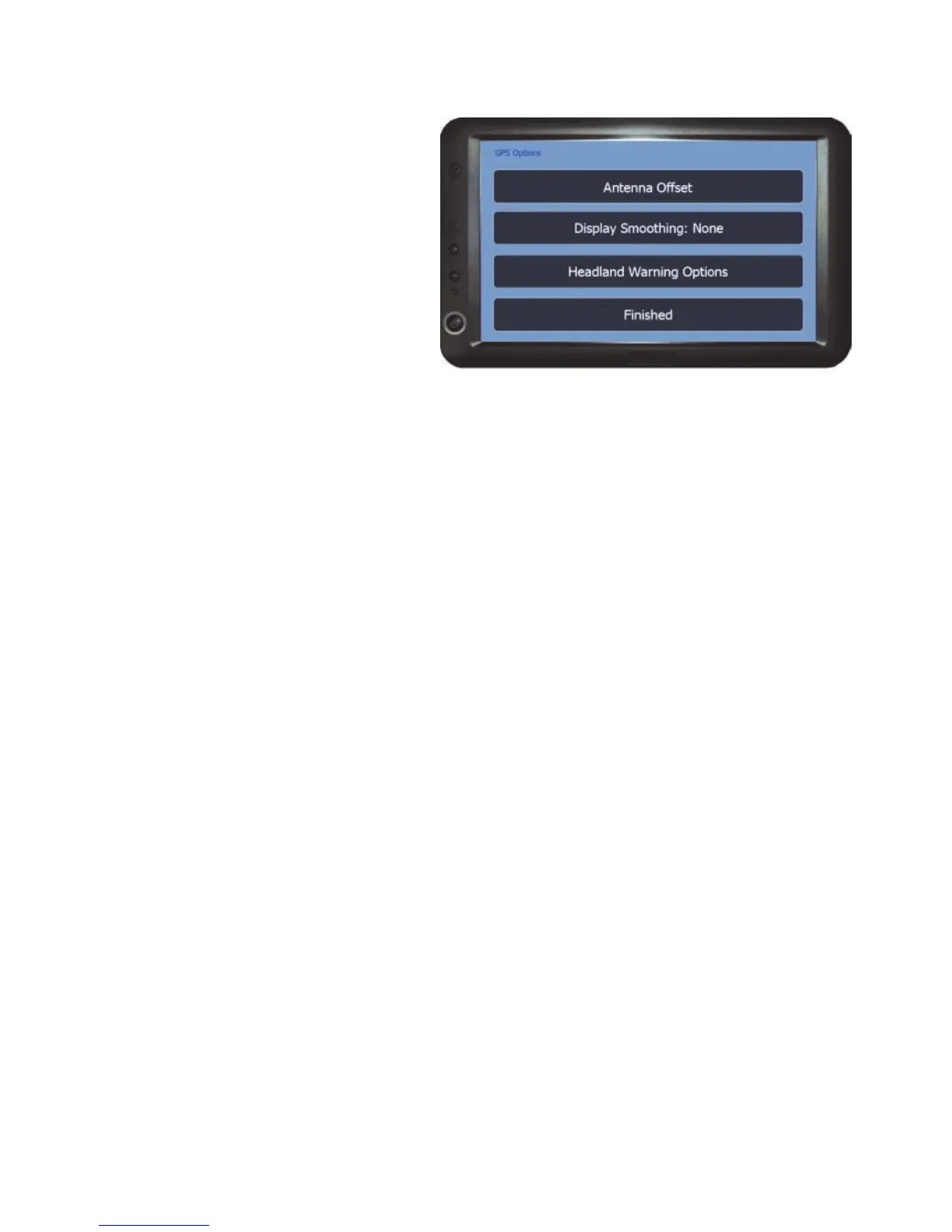
GPS Options
The options in this menu access
settings related to how the GPS
signal is used.
Antenna Offset - Opens the options for offsetting the antenna position (see
page 24 for details).
Display Smoothing - Adjusts how responsive the guidance line is to changes in
GPS position when using guidance in the job screen.
Fine – Less Responsive
Medium – Responsive
Coarse – Most Responsive
None – Standard Guidance
Headland Warning Options - Opens the Headland Warning Options menu.
See page 25 for the Headland Warning Options.
Finished - Returns to the Setup Menu.



 To Next Page