15
Initial Setup Wizard
Once the unit has been installed in the vehicle and all the wired connections
secured, insert the 3-pin plug into the 3-pin socket of the vehicle. The unit will
power on automatically and if using the unit for the first time a setup wizard will
launch. The wizard will take the user through the basic settings so the system is
ready for Guidance, Recording and Area measurement.
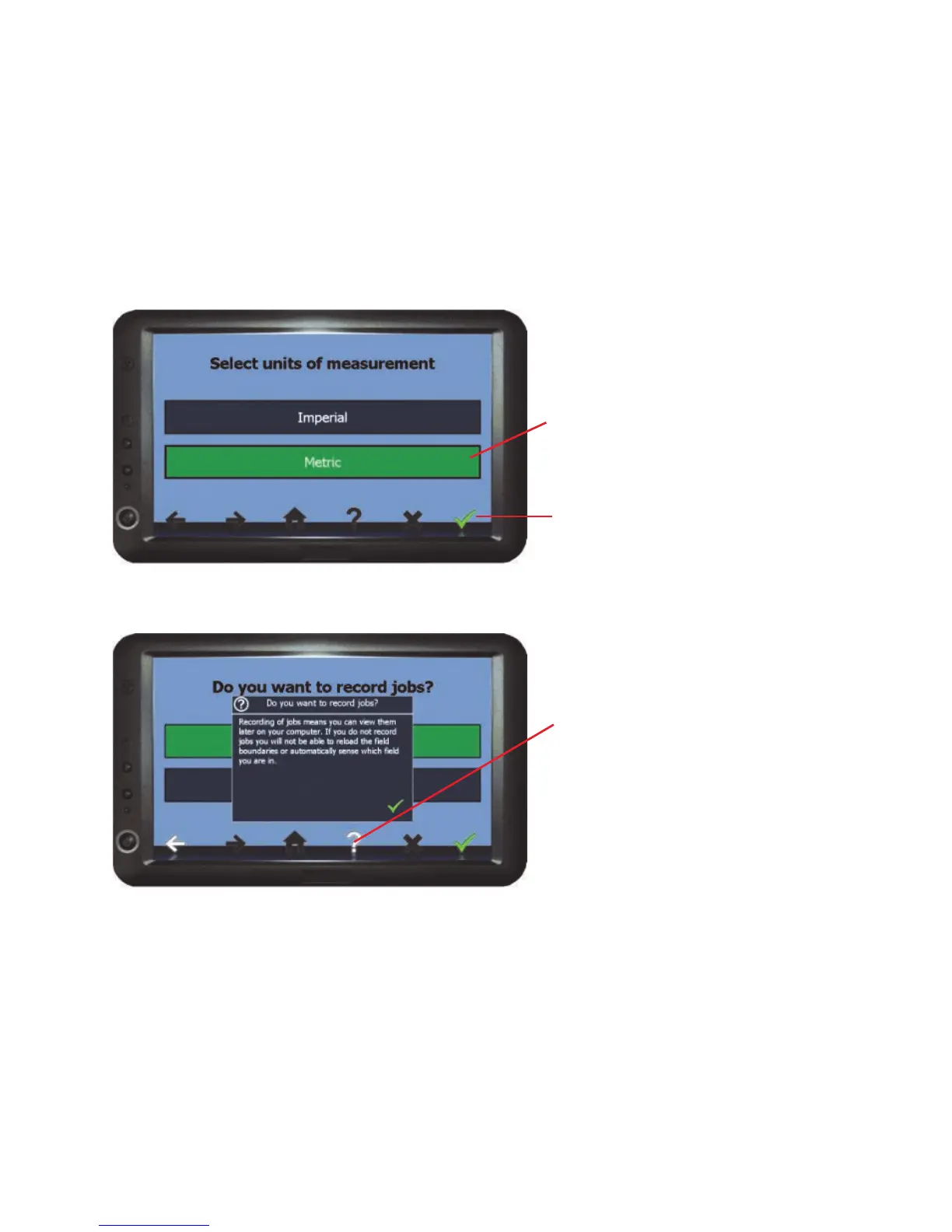
To work through the wizard
screens :-
Select the required option and
if required enter the relevant
details.
Press the green tick (confirm)
when it appears to move to the
next screen.
On some of the screens the
‘?’ (Information) icon will
appear, pressing this will give
details about the options on the
current screen and how it will
effect the working of the
system.
On completing the initial setup, the settings that have been entered will be saved
as a profile under the profile manager (see Load / Save profiles on page 31).
If you have selected ’No’ to run the wizard on start up , it can be re-launched by
selecting Setup from the home screen, then Load / Save Profiles > Run Initial
Setup Wizard.
Unit Setup



 To Next Page