14
Text Entry
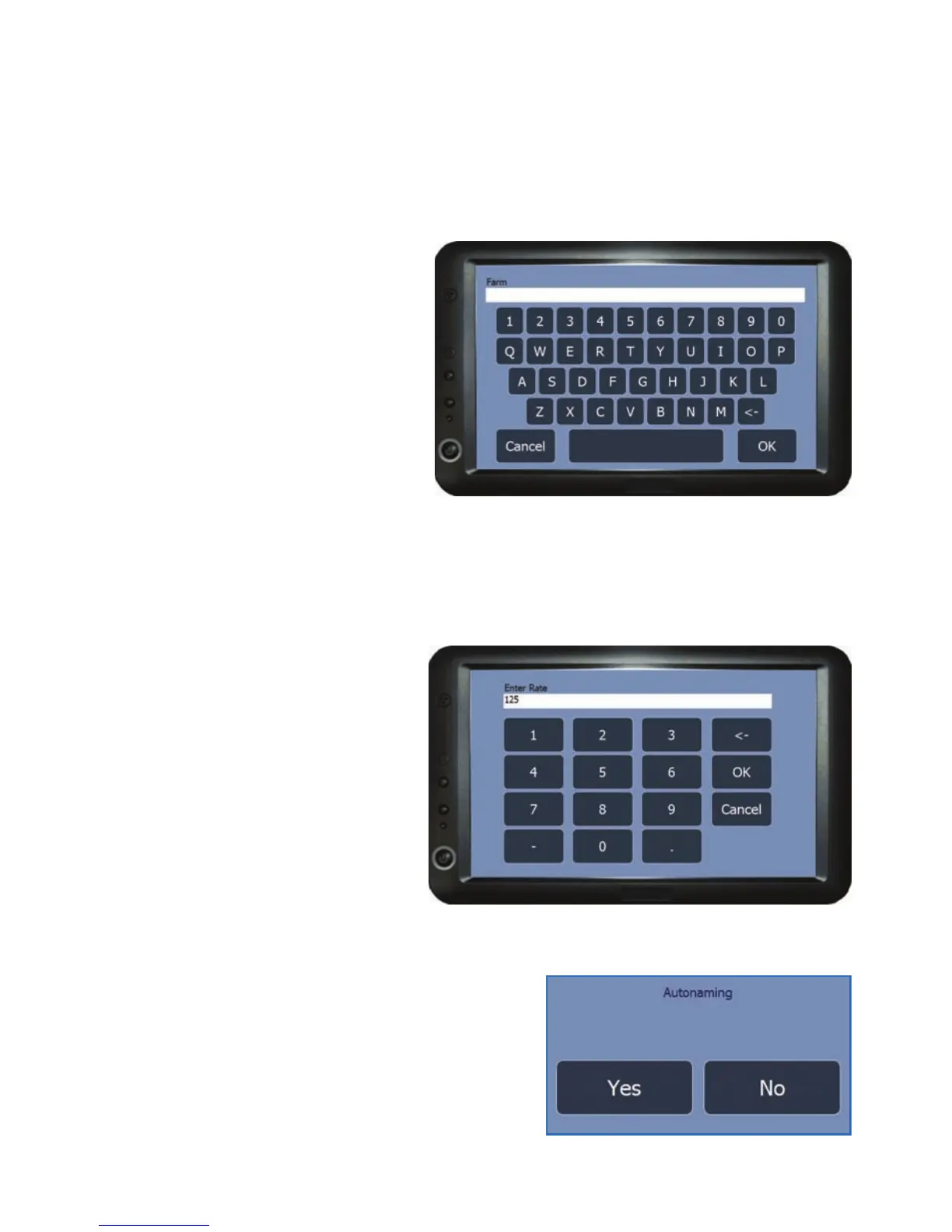
This input screen will appear if the information that is required is text that needs
to be typed in manually.
To use the text entry screen,
press the letters or numbers on
the screen to enter the details.
Once complete press on OK to
add the details and close the text
entry screen. To exit the text
entry screen without adding any
details press on Cancel.
Numerical Entry
This input screen will appear if the information that is required is a number that
needs to be entered manually.
To use the numerical entry
screen, press the numbers on
the screen to enter the figure.
Once complete press on OK to
add the figure and close the
numerical entry screen. To exit
the numerical entry screen
without adding a figure, press on
Cancel.
Option Box
The option box will appear if the required
information is a simple Yes/No selection.
Unit Setup



 To Next Page