29
Unit Setup
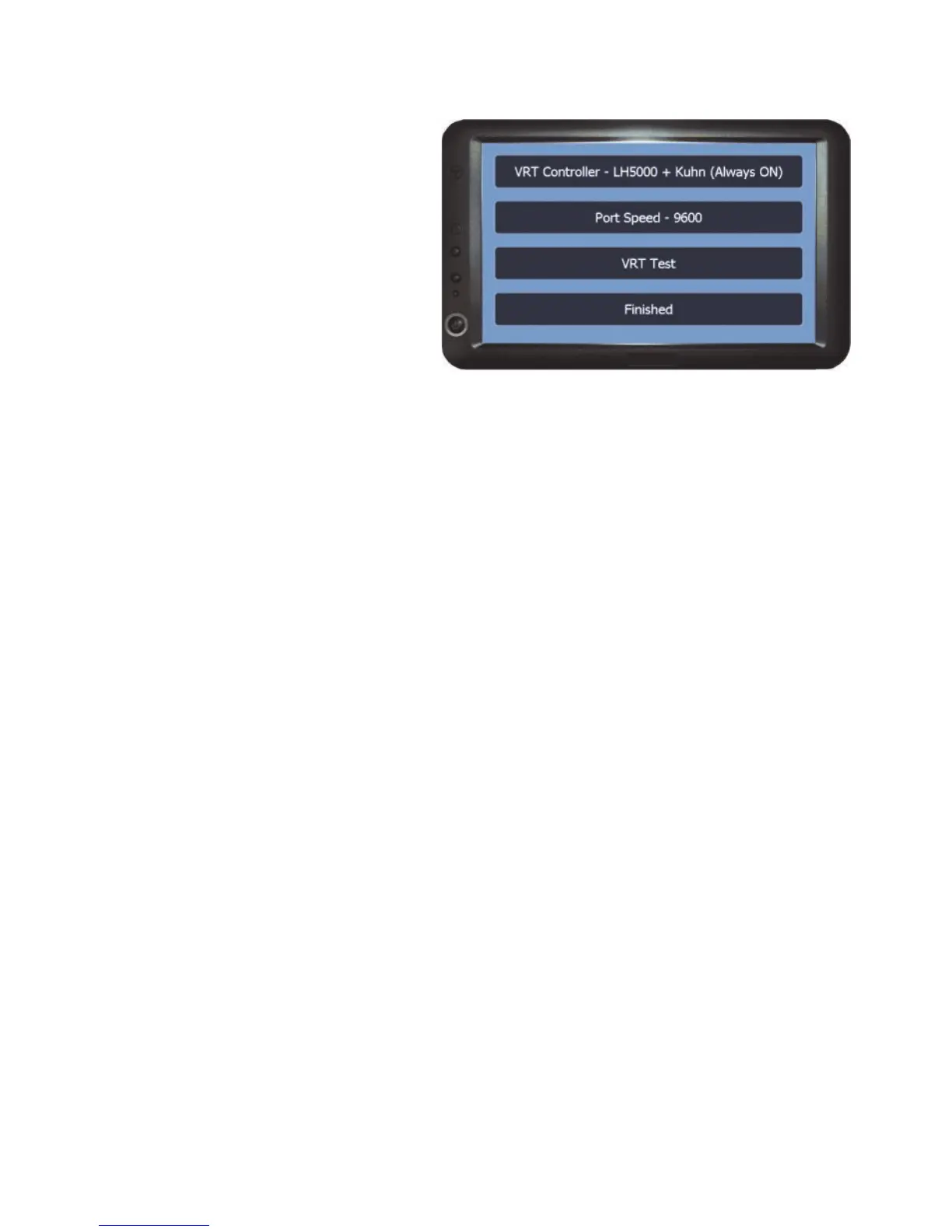
VRT Options
The options in this menu are used
to set up communications with
external controllers for variable
rate and/or auto shut off.
VRT Controller - Sets the controller type that the unit is being connected to. The
recommended Port Speed for the controller will automatically change for the
selected controller.
Port Speed - For manually setting the port speed.
Note: the recommended port speed will be entered when the controller has
been selected from the VRT Controller option.
VRT Test - Opens the VRT test screen to test the connection between the unit
and controller. See Page 30 for VRT Test Screen and details on performing a
test.
Finished - Returns to the Setup Menu.



 To Next Page