30
Unit Setup
...VRT Options
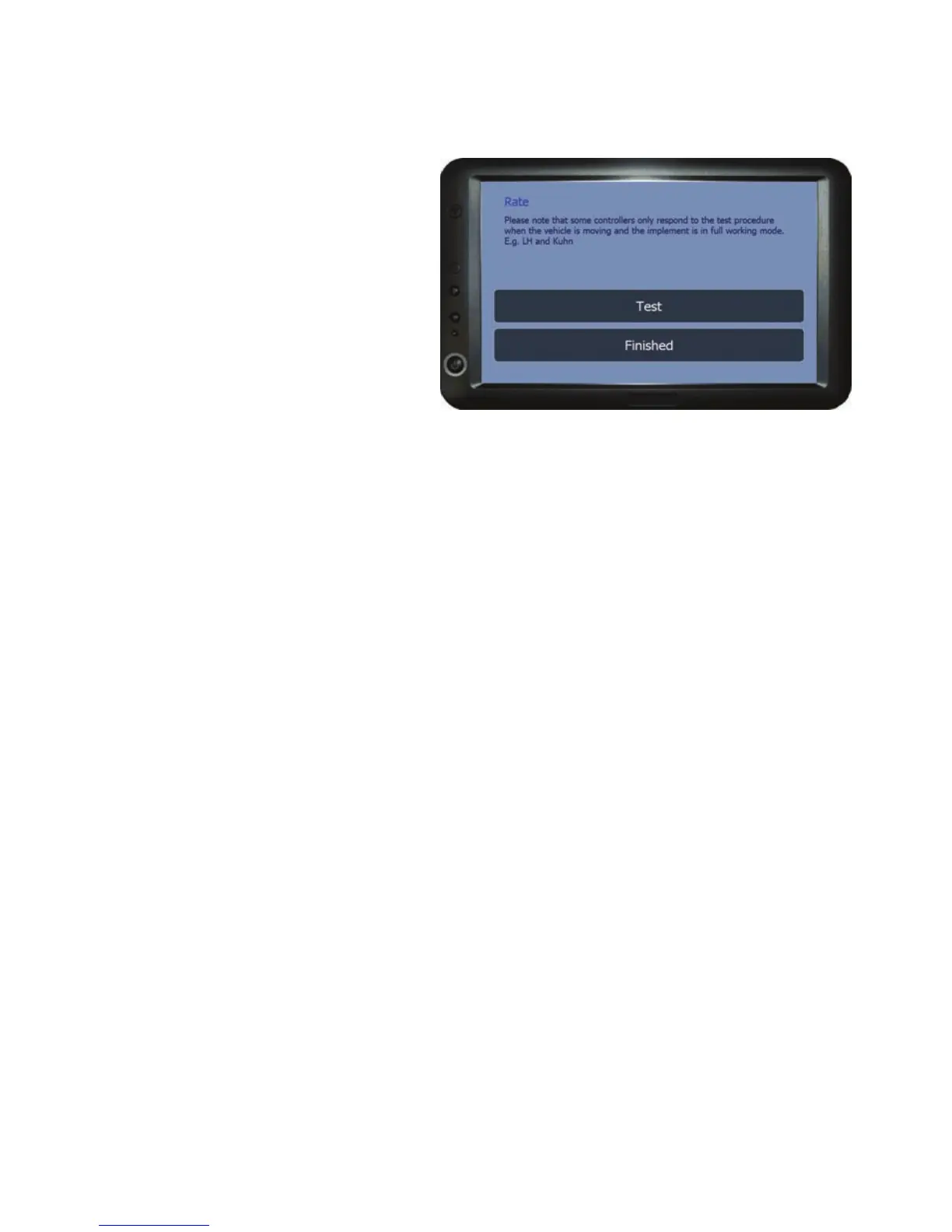
VRT Test
This option is used to ensure that
there is communications between
the BlackBox and the Controller
before using the unit for variable
rate application and/or Auto Shut
Off (Additional software required).
It is recommended that the test is
done with the implement empty of
products.
Connect the BlackBox to the Controller via the supplied cable (When VRT or
Auto Shut Off is purchased at extra cost, a cable and instructions are provided
for the controller that was specified)
Before starting the test ensure the controller box is powered up and ready to
receive data from the unit (some controllers require the implement to be in full
working mode with the vehicle moving). When ready press Test to begin and the
Rate will start counting up 100, 200, 300 up to 1000, check to ensure that the
controller is also counting in sequence (May not be in sync because of a delay in
the data transmission).
If the test is unsuccessful, turn off the controller and the Blackbox and check all
connections. Power up the BlackBox, once loaded go to Setup > VRT Options >
VRT Test. Next power up the controller and when ready run the test again.
If the test is successful press Finished to return to the VRT Options menu.



 To Next Page