31
Unit Setup
Load / Save Profiles
This area is used to access and
store profiles. Profiles are a
method to save all the settings
that have been set for a specific
operation, this then allows quick
access to the settings relevant to
that operation, especially when
the unit is used for a variety of
operations.
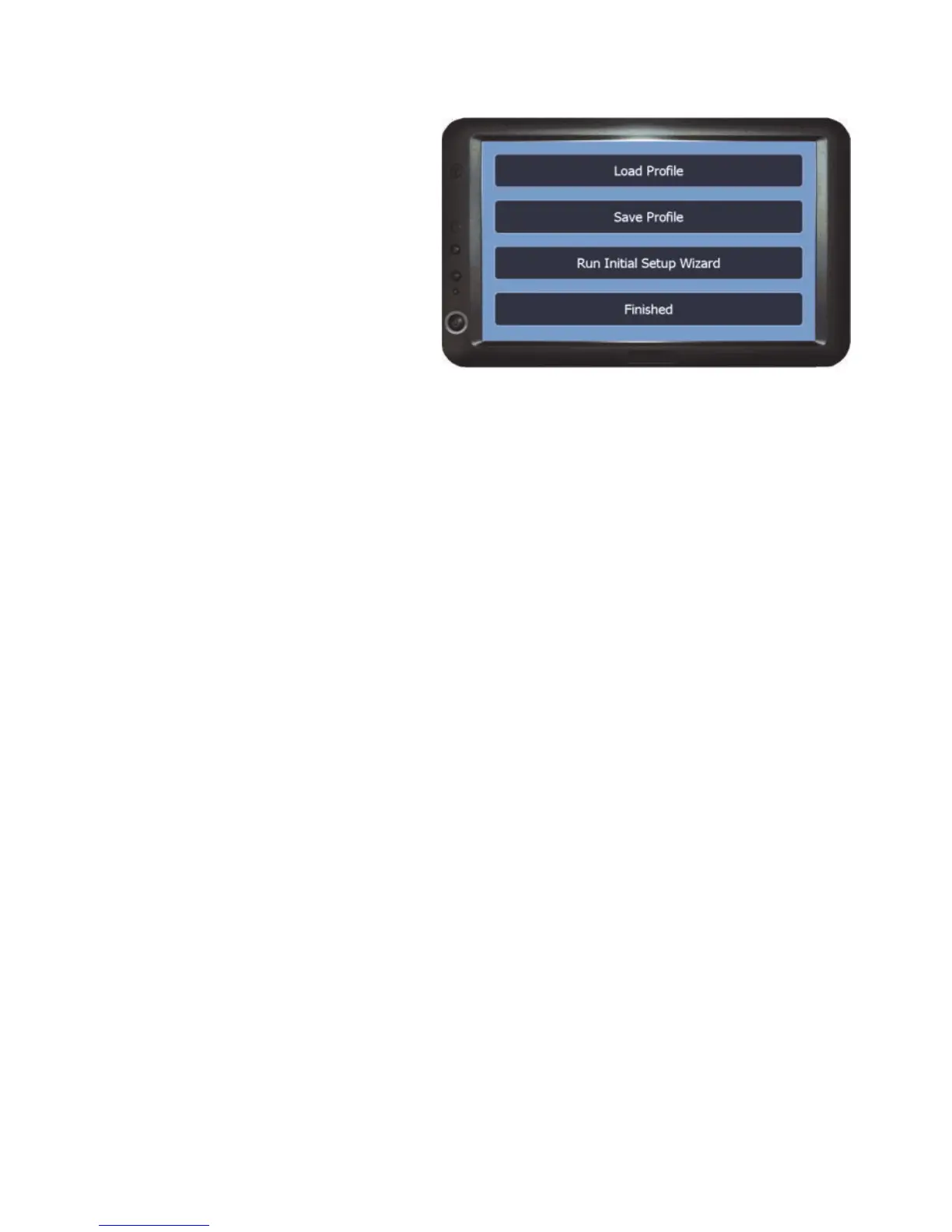
Load Profile - This option allows a previously saved profile to be opened.
To load a profile:-
1) Select the required profile from the list
2) Press OK. This will change all the settings in the system to the
settings that are saved in the profile.
Save Profile - Accesses the area where all the current settings on the system
can be saved as a profile.
To save a ‘New’ profile:-
1) Select * New * from the list
2) Press OK
3) Enter a name for the profile (i.e. name of the operation)
4) Press OK
To Overwrite a profile:-
1) Select the required profile from the list.
2) Press OK
3) Press Yes to Overwrite.
Run Initial Setup Wizard - Launches the Initial setup wizard. See page 15 for
details.
Finished - Returns to the Setup Menu.



 To Next Page