36
Starting a Job
Guidance Modes
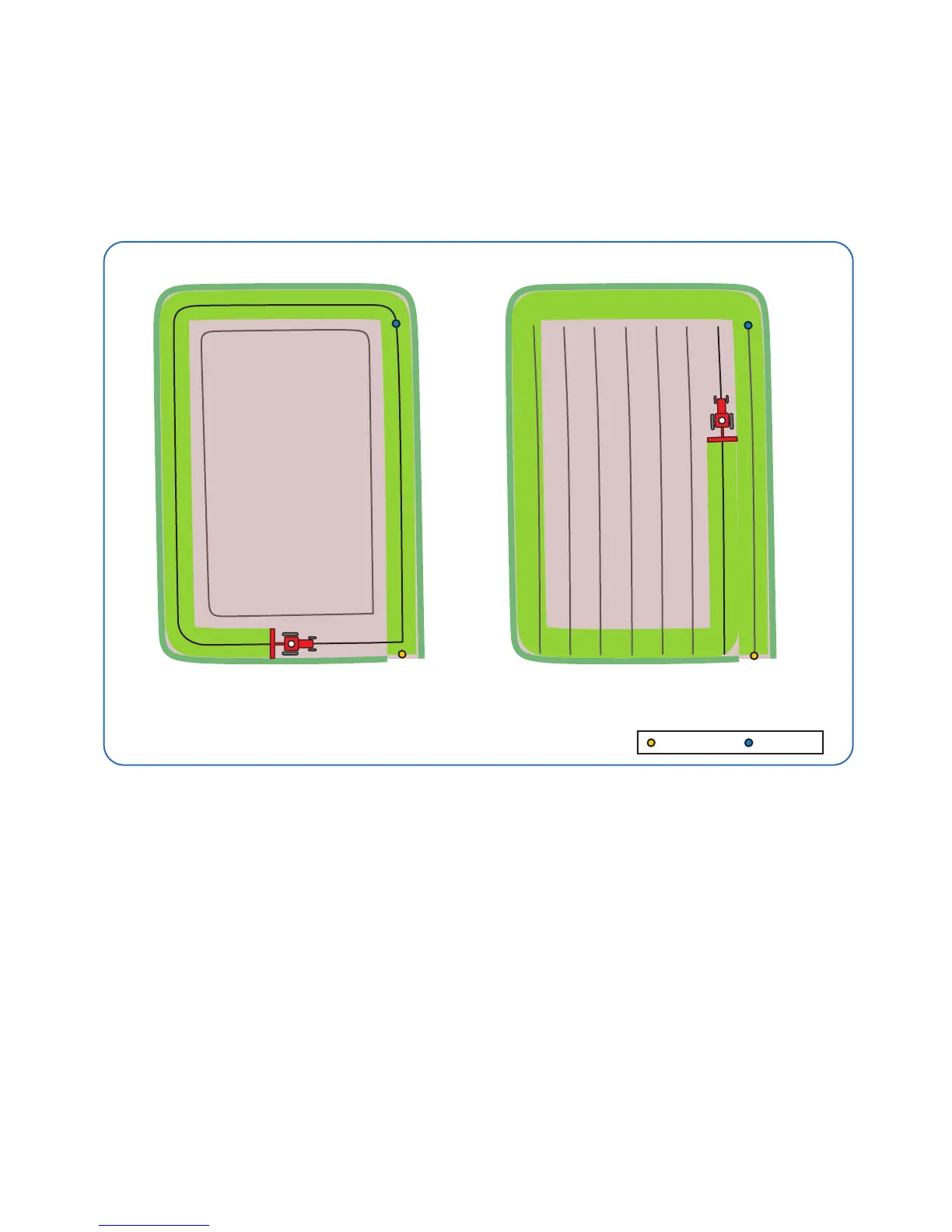
First Pass - Creates a Headland guidance line based on the entered Width and
the Field Boundary Map (see page 40). This line is used to give guidance
around the headland run(s) of the Field being worked.
There are three track to track (AB line) guidance mode options to choose from :-
Straight - Sets a straight guidance line between set point A and point B, which
is then replicated both sides of the original line at equal intervals based on the
entered width.
Curved - Creates a curved guidance line based on the path driven between set
point A and point B. The line is then replicated both sides of the original line at
equal intervals based on the entered width.
Adaptive Curve - Automatically adjusts the guidance line based on the previous
pass. Note: For the adaptive curve mode to work correctly an A and B point
must be set as with ‘Curved’ and the pass next to the previous one needs to be
followed.
First Pass pathway
Headland guidance line used for
headland passes.
Change to set AB line to complete
inner work.
A Set B Set



 To Next Page