32
Unit Setup
Advanced
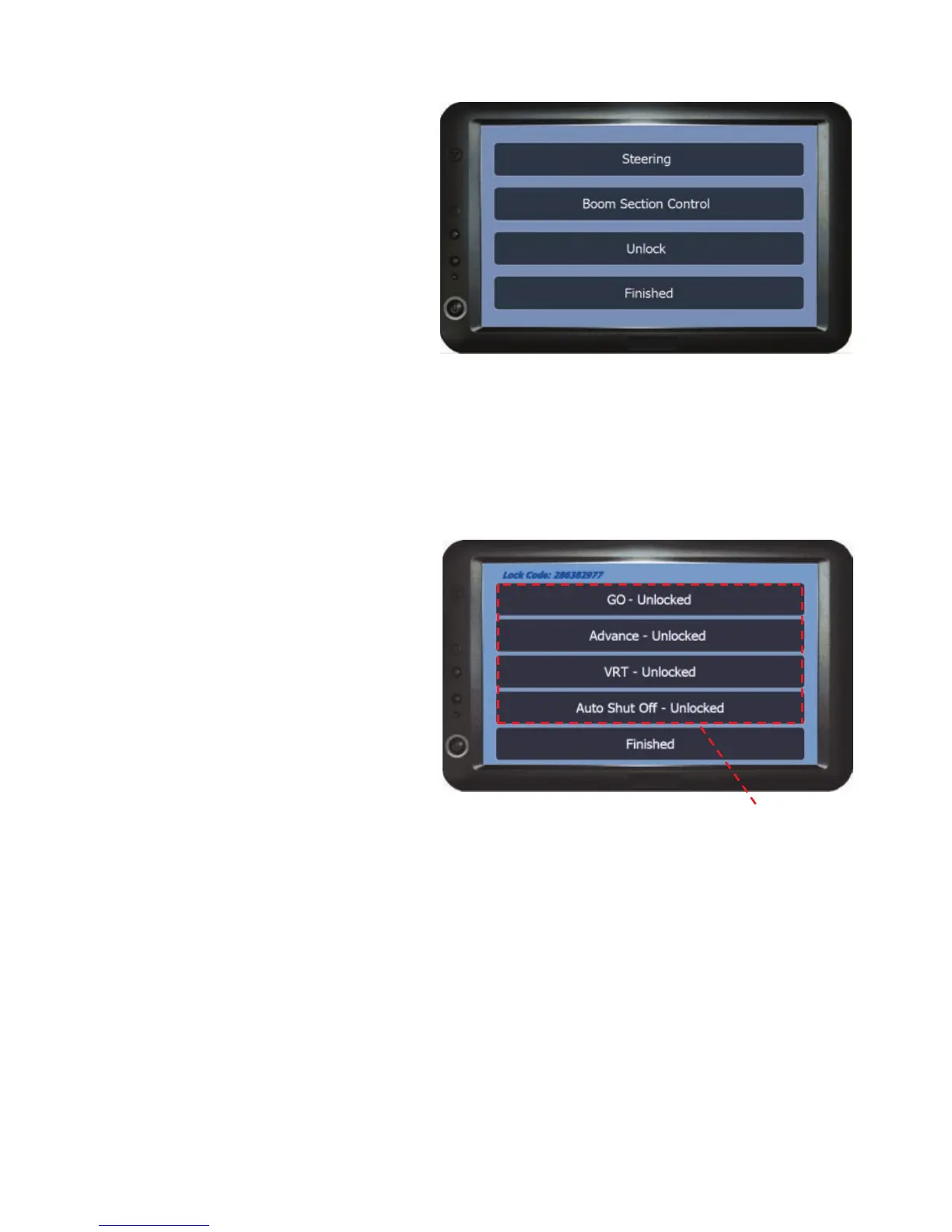
The options in this menu are used
to unlock software modules and
setup the Steering and/or Boom
Section add on (see supplied
instructions for setup details).
Unlock - This area is used to upgrade the various product software options of
the unit via ‘lock codes' (See below for more details).
Finished - Returns to the Setup Menu.
Unlock
This menu is used to enter unlock
codes to unlock different areas of
the software for future upgrading.
To upgrade the unit first make a note of the unit’s serial number and the lock
code displayed in the top left hand corner of the unlock menu.
Next make a call to Patchwork Technology on +44 (0) 1291 673366 and state
the upgrade you require (see Product Overview on page 5). The Patchwork
operator will firstly agree a payment method for the upgrade and then issue an
unlock code for the upgrade.
Software - To enter the unlock code press on the software option from the list.
The numerical entry screen will appear, enter the unlock code and press OK.
This returns to the Unlock menu with Unlocked filled in next to the option.
Finished - Returns to the Advanced menu.
Software



 To Next Page