34
Starting a Job
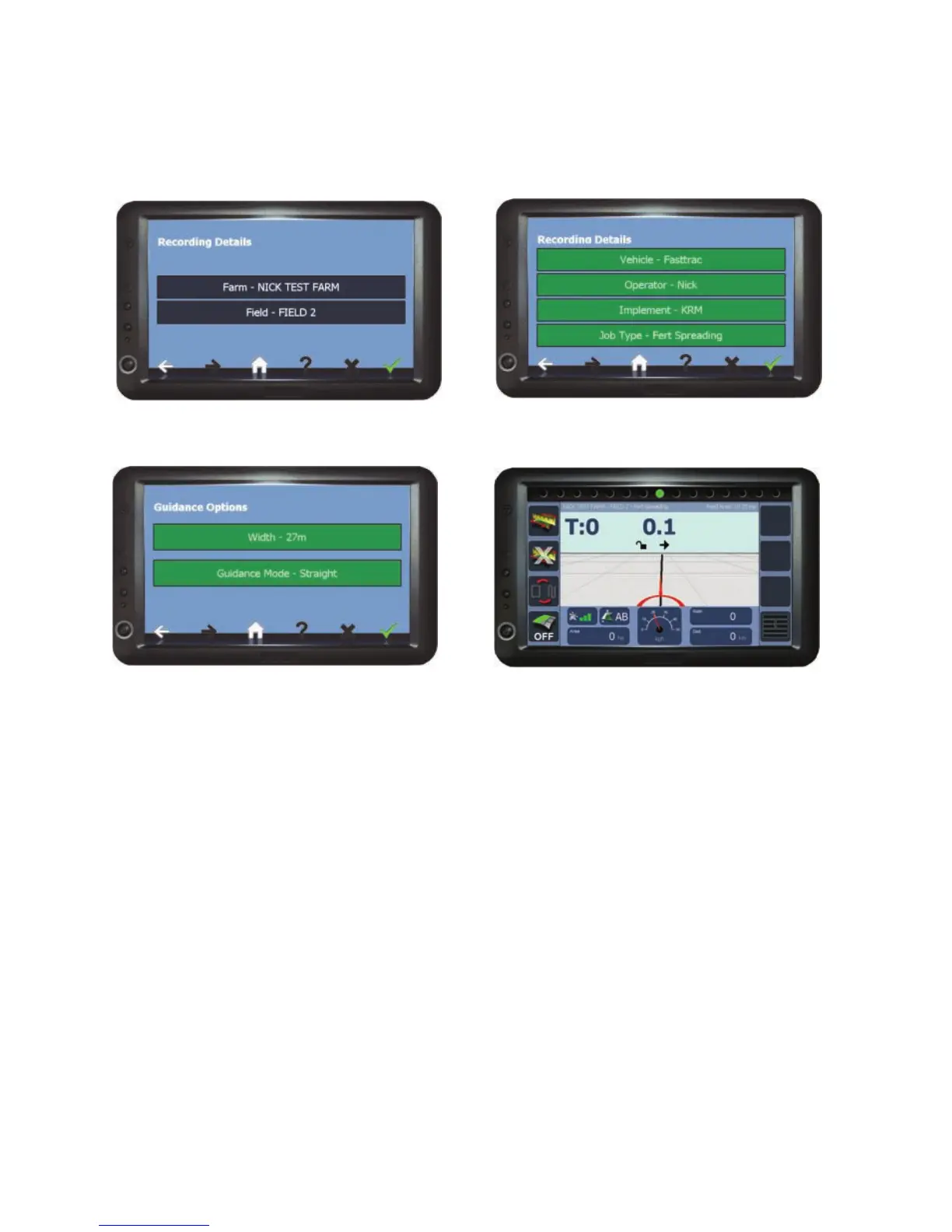
New Job
If recording is set to ‘No’ the unit will go to Step 3).
Farm /Field Auto Recognition
If a field has had a ‘Field Boundary Map’ (see page 40) created previously and
the field has been driven into, the unit will automatically detect the field from its
GPS coordinates. This will also automatically fills in the Farm/Field name when
starting a new job.
3) Enter the working Width, select the
Guidance Mode (see page 36 for details)
and press Confirm.
1) Enter Farm/Field and Confirm.
2) Check/edit recording details and
Confirm
4) The Job Screen opens ready to begin.



 To Next Page