47
Using WebTrack with the BlackBox
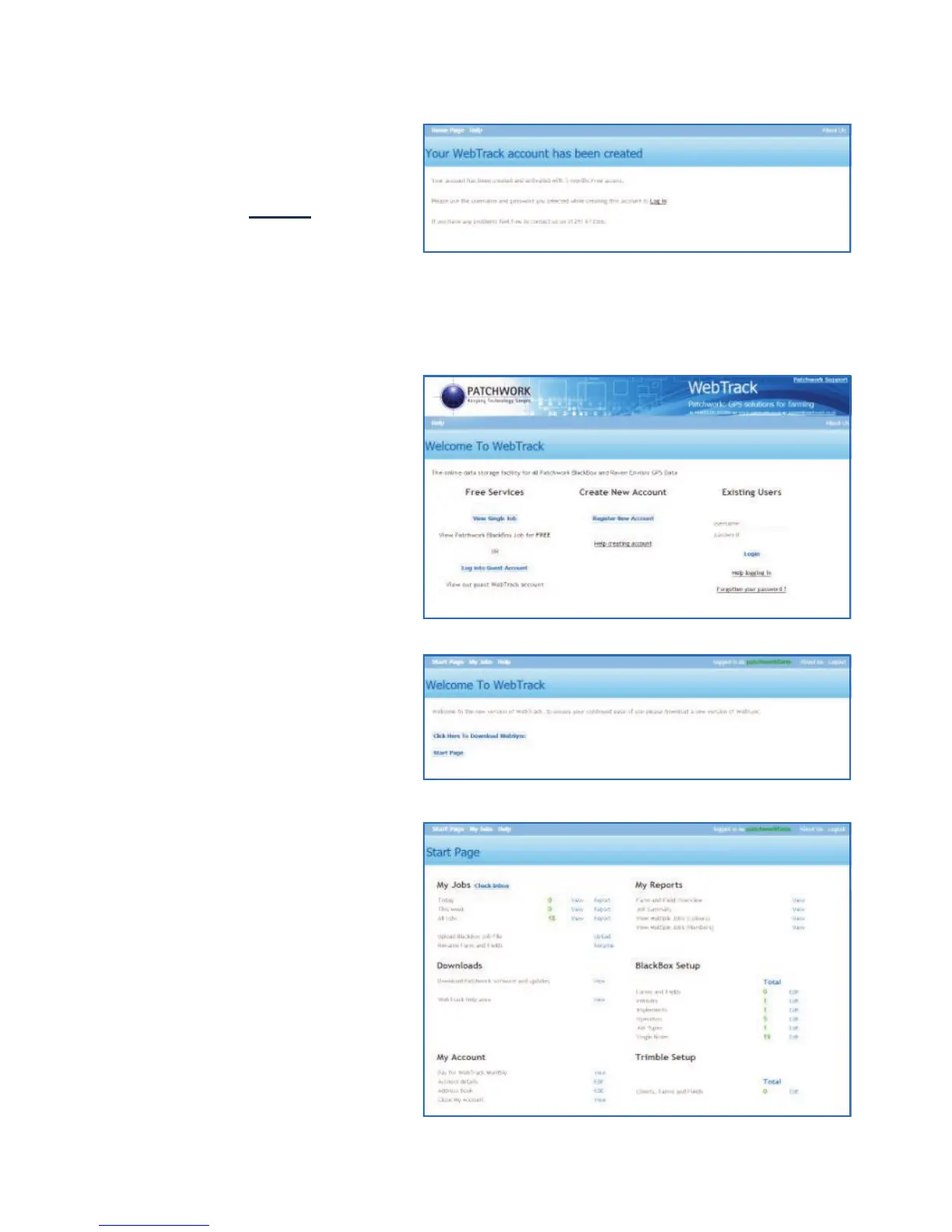
A confirmation screen will then
appear. To return to the
WebTrack home page left
mouse click on Log in.
Logging on to WebTrack
Under the Existing Users
heading enter your Username
and Password, then left mouse
click on Login.
There are two options and as a
first time user left mouse click
on Click Here To Download
WebSync to download and
install the WebSync Tool (For
details see page 48). Otherwise
left mouse click on the Start
Page button.
You will be redirected to your
WebTrack user area.



 To Next Page