EasyManua.ls Logo

PAX S300 - Page 147

PAX S300
194 pages
Print Icon
To Next Page IconTo Next Page
To Previous Page IconTo Previous Page
Loading...
S300_V1.00.00 User Manual
NOTE: This document is CONFIDENTIAL and must be used exclusively for the operation of PAX programs. It may not be
duplicated, published, or disclosed without PAX prior written permission.
147
5.6.2.2.5 V-Code
Note
This feature enables the user to determine how to set up the CVV, CVC
and CID security feature for individual card types or for all card types.

OPTION
DEFINITION
Off
Will not prompt for Code (default)
On if Manual
Will prompt for Code on manual entry transactions
On if Manual, Card
not Present
Will prompt for Code if card is not present
On Always
Will always prompt for Code
STEP
ACTION
DISPLAY
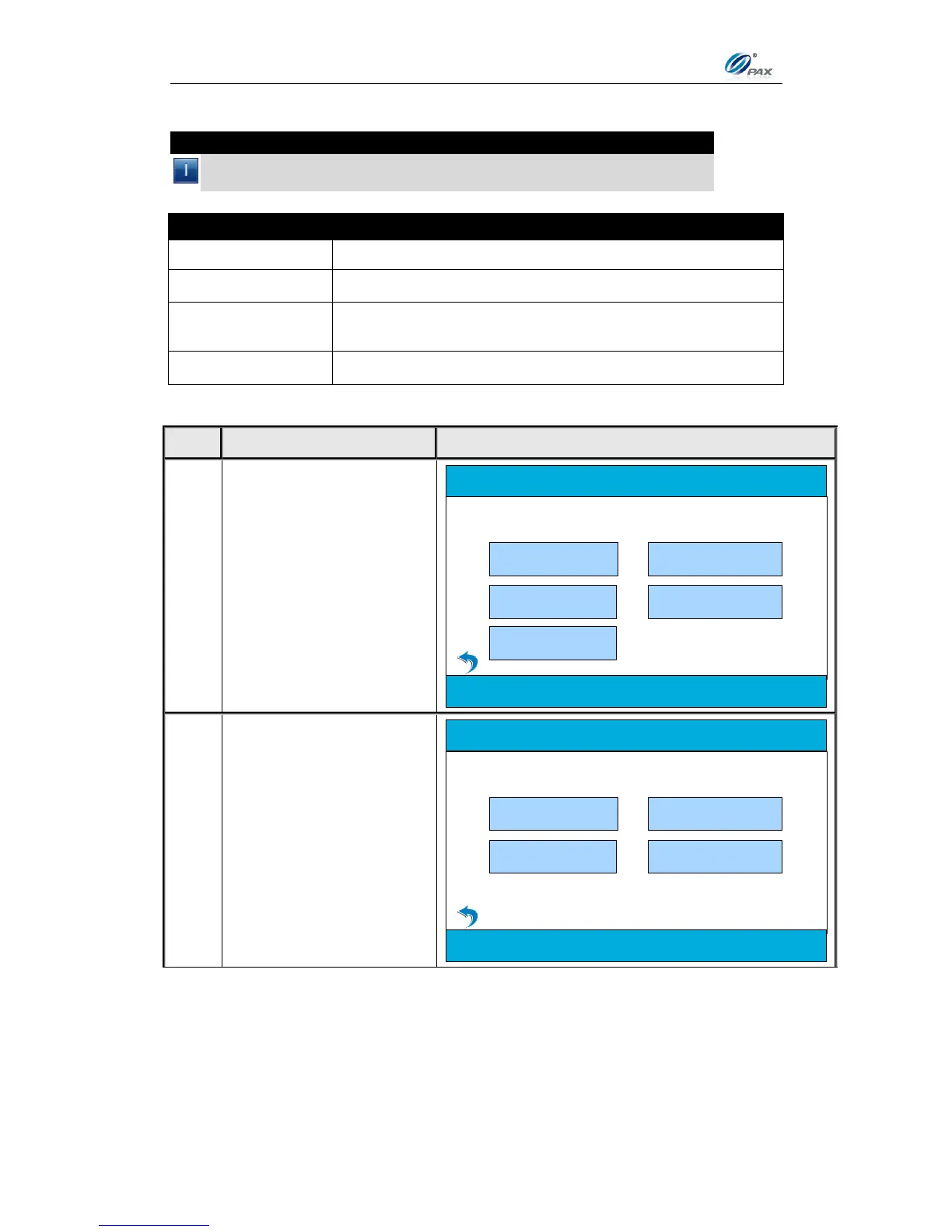
1.
From the Main Menu,
press [4] for System
Settings
2.Operation Settings
5. Communication
3. Host Settings
Main Menu
1.Merchant Settings
4. System Settings
2.
Press [2] for Working
Mode.
2.Working Mode
3.Keys Injection
System Options
1.Date/Time Setup
4.App Management

Table of Contents

Other manuals for PAX S300

Related product manuals