S300_V1.00.00 User Manual
NOTE: This document is CONFIDENTIAL and must be used exclusively for the operation of PAX programs. It may not be
duplicated, published, or disclosed without PAX prior written permission.
157
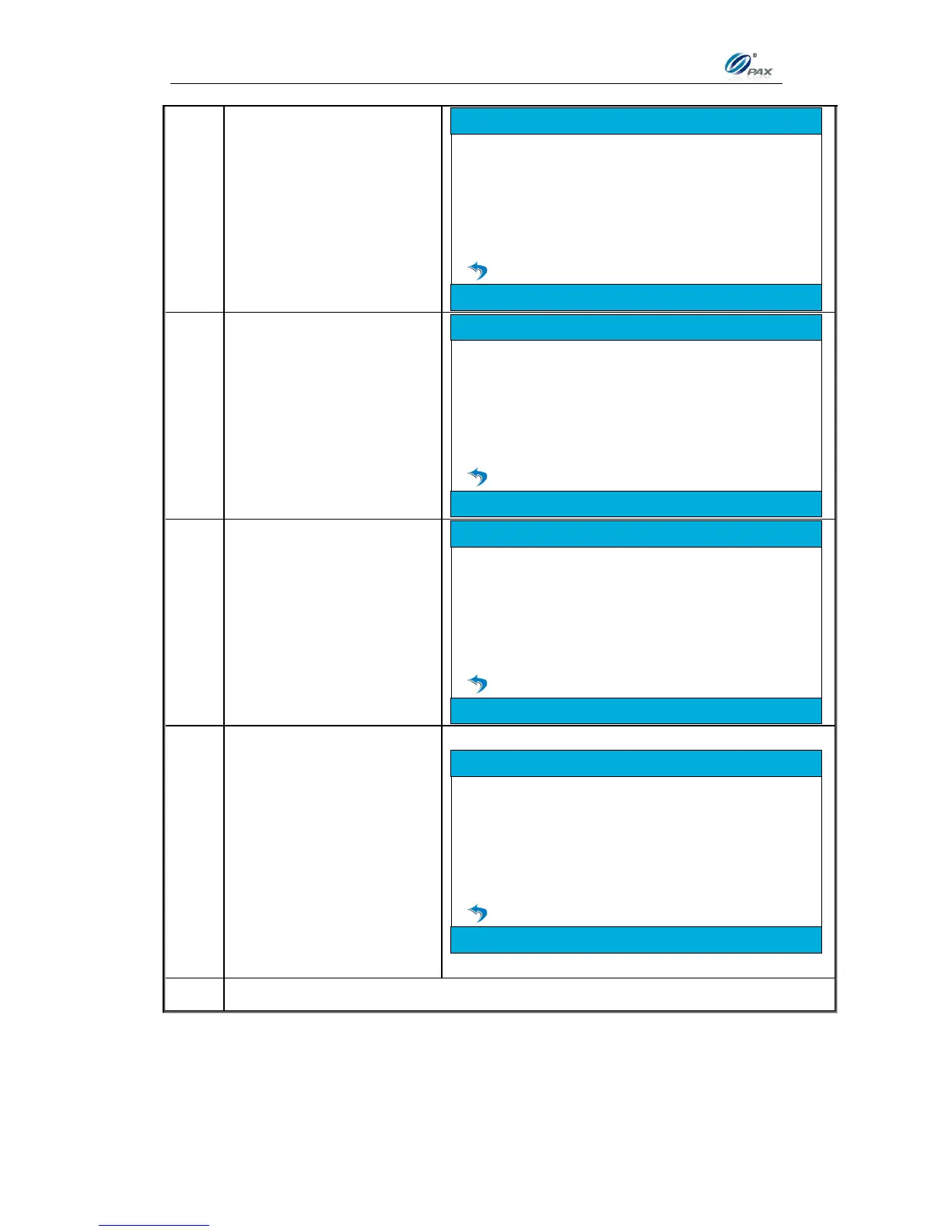
If Terminal prompts
“Trans. remained in
database, please check”,
so do batch close and
clear failed transactions in
database first, then back
to this step.
Trans. remained in database,
please check
App Update
Terminal displays
“Checking…” while
checking if there are
available applications on
the ADS.
If there is no available
download, the Terminal
displays “No Available
DownLD. Press any
key…”.
No Available DownLD
Press any key...
App Update
If there are available, the
Terminal automatic starts
the download process;
and displays
“Downloading…” with
the download progress
percentage.
After finish downloading,
the terminal displays
“Success” and lists the
downloaded applications.
App Update
Success
rc: *****************
sc: *****************
br: *****************



 To Next Page