EasyManua.ls Logo

PAX S300 - Page 74

PAX S300
194 pages
Print Icon
To Next Page IconTo Next Page
To Previous Page IconTo Previous Page
Loading...
S300_V1.00.00 User Manual
NOTE: This document is CONFIDENTIAL and must be used exclusively for the operation of PAX programs. It may not be
duplicated, published, or disclosed without PAX prior written permission.
74
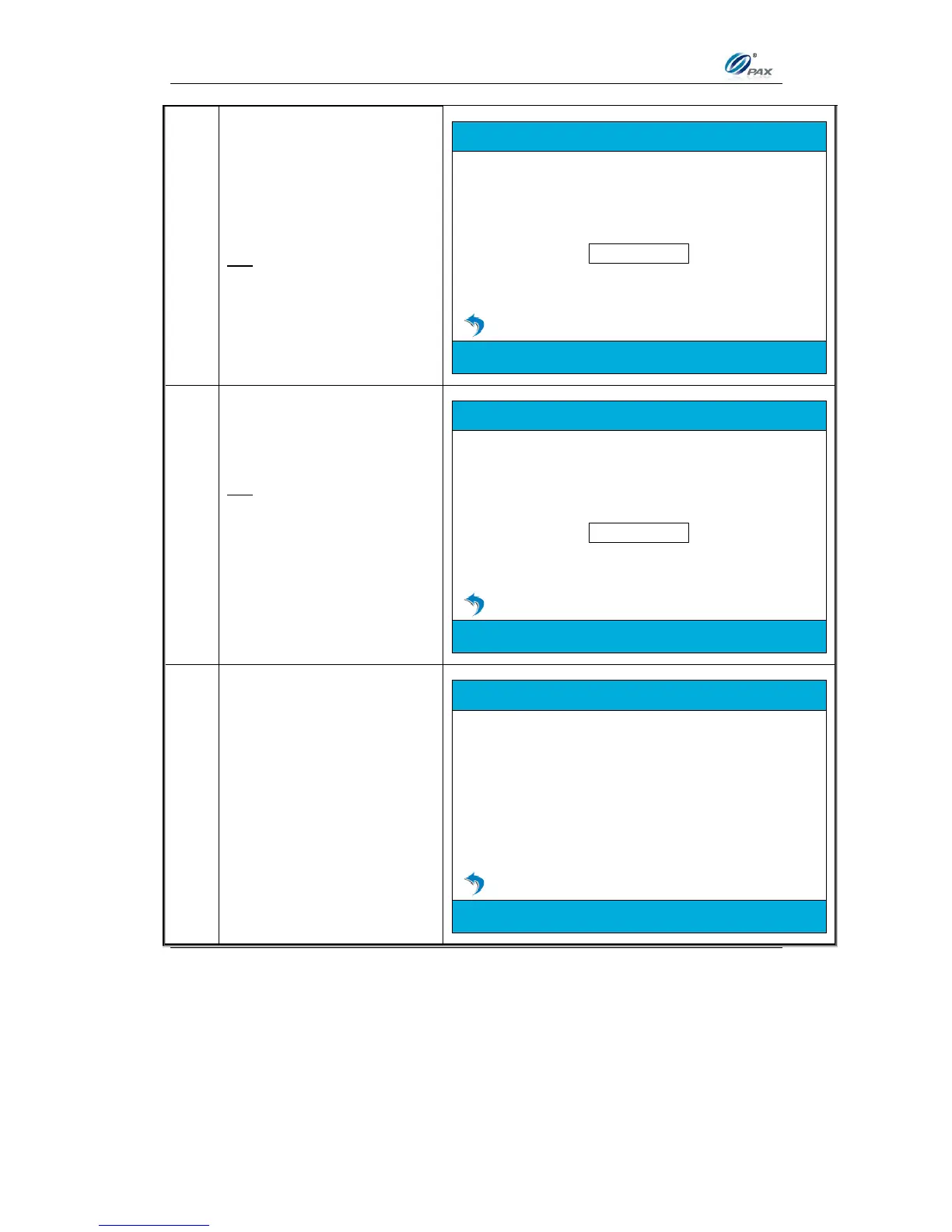
6.
Enter the Customer Code
then press [ENTER].
OR
Press [ENTER] to bypass.
CREDIT SALE
Please Enter Cust. Code
7.
Enter the Tax Amount then
press [ENTER].
OR
Press [ENTER] to bypass.
Continue to next step if tax
amount was entered or skip to
Step #9 if tax amount was
bypassed.
CREDIT SALE
Please Enter TAX Amount
8.
If the entered tax amount
exceeds the user input
amount the terminal will
display the warning.
CREDIT SALE
TAX EXCEED AMT

Table of Contents

Other manuals for PAX S300

Related product manuals