BRUSH CUTTER EXCELION 2 DH
53_153238-A
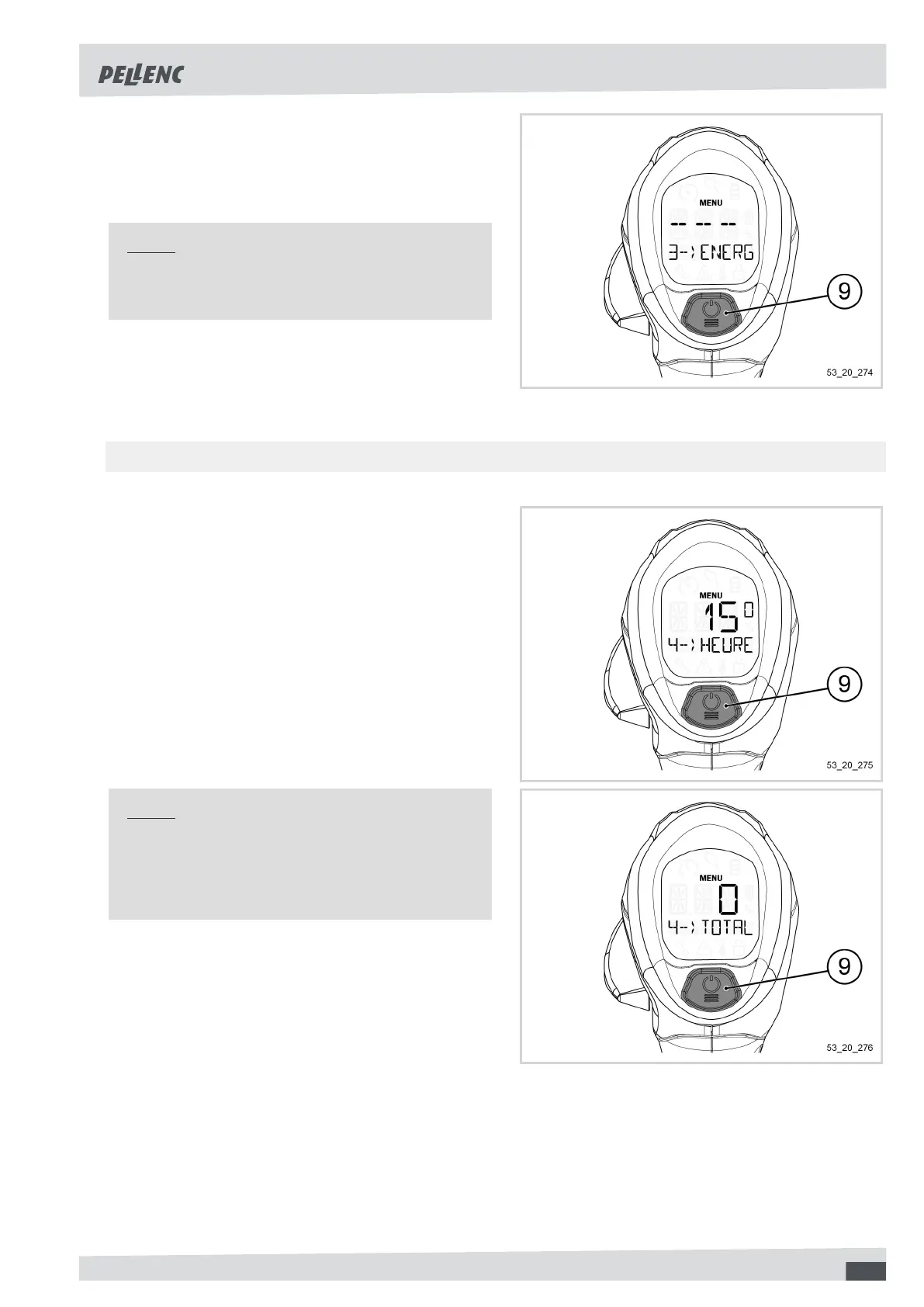
Reset of consumed energy
1. Hold down the POWER / MENU button (9) for 1 se-
cond to reset the value to 0.
2. Pressing the selector or the trigger exits the menu.
Note
Resetting the consumed energy also resets the
average power and working time.
-
5.5.3.4. DISPLAY OF TOTAL TOOL USAGE TIME
1. Access the "Information" menu (refer to Sec-
tion 5.5.3, « "Information" menu and access to ma-
chine settings ».
2. Click several times on the POWER / MENU but-
ton (9) to access the menu "4--MACHINE HOURS-
HRS".
The display shows a value in hours (H).
Note
If the data is insufficient when starting the tool for
the first time, the display will show "0".
This value cannot be reset.
55



 To Next Page