Chapter 2 Installation and Settings
2-1
Chapter 2 Installation and Settings
2.1 System Requirements
1. Windows 7/Vista/XP
2. 32 bit OS: At least 1GB of available hard disk space
64 bit OS: At least 2GB of available hard disk space
3. USB port
2.2 Handwriting Software Installation
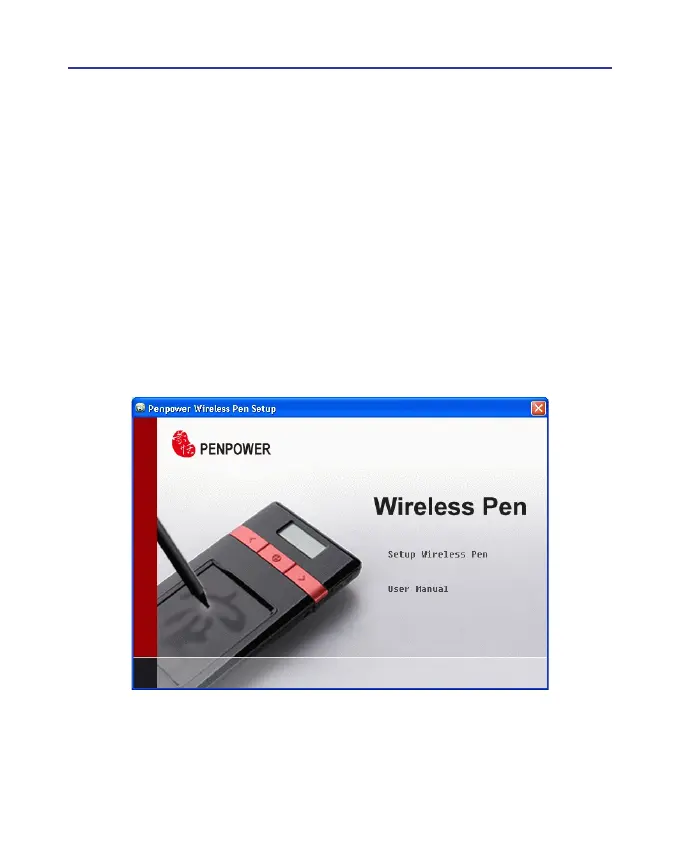
Please insert CD-ROM disc into the CD-ROM drive and the system
will automatically launch setup.exe. Select the [Setup Wireless Pen] option.
Note: If you don’t have CD-ROM drive, or you lost your CD-ROM disc,
please go to PenPower’s website (http://www.penpower.net) and
choose your country/ region site to download the software.



 To Next Page