Chapter 4 Full Screen Handwriting Mode
4-5
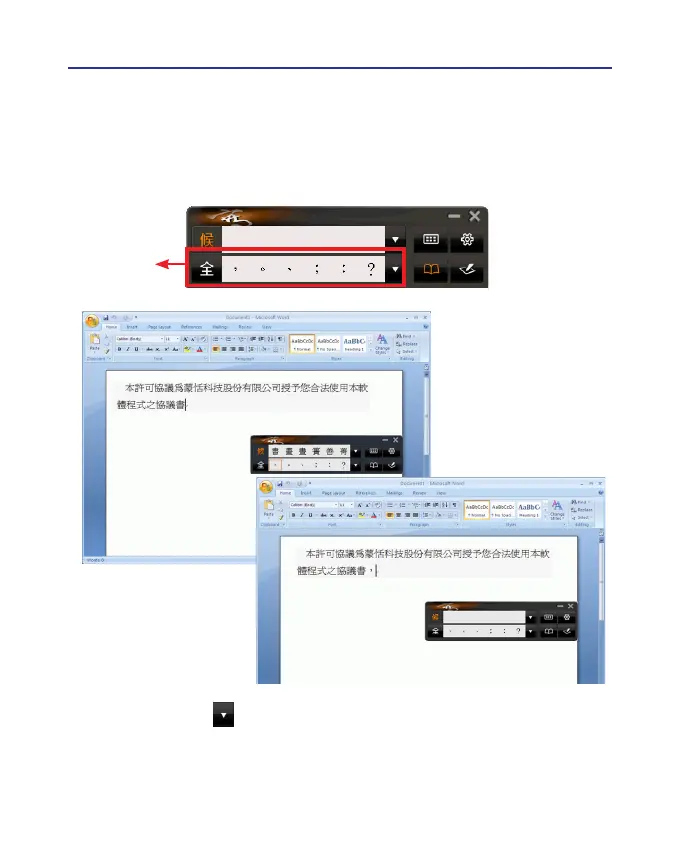
4.4 Symbols
While you are writing, you can input symbols quickly by select the
symbols in the [Symbols] area.
Symbols
Tips: You can click for more symbols to select. The default function of
the right button on the tablet allows to input six habitual symbols.
Please refer to section 7.5 to set different functions of the buttons
on the touch tablet.



 To Next Page