Chapter 7 Settings
7-9
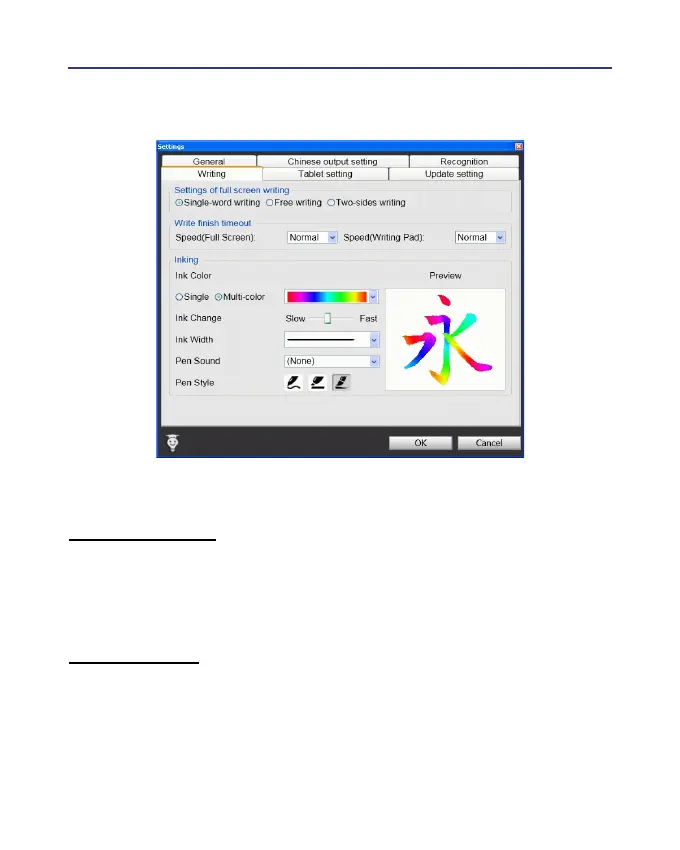
7.4 Writing Setting
There are three different options of full screen mode in the main menu.
Single-word writing
It is allowed to handwrite one word only at one time.You can not hand-
write the next word until the recognition result of current word has been
nished.
Two-sides writing
After the rst stroke is written, one vertical line would be displayed on
the center of screen. All the strokes written on the same side would be con-
sidered as part of one word. When a new stroke is crossed to the other side,
it means that the last word is nished and the next word start to write.



 To Next Page