4-4
Wireless Pen
4.3 Related Phrase
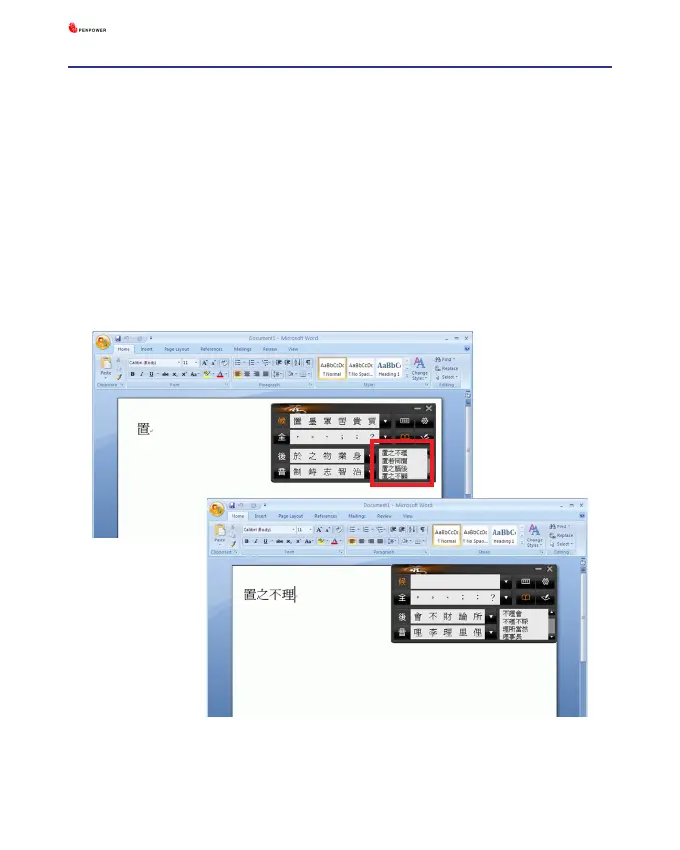
After writing a character, the related phrases will appear in [Related
Phrase] window. Select the phrase you want to input. It can short your time
to input words. For example, you want to input [
置之不理
]. You only need
to write the first word [
置
], and you will find [
置之不理
] in the related
phrase window. Then you can select it to input.



 To Next Page