12-2
Wireless Pen
12.2 Reading Setting
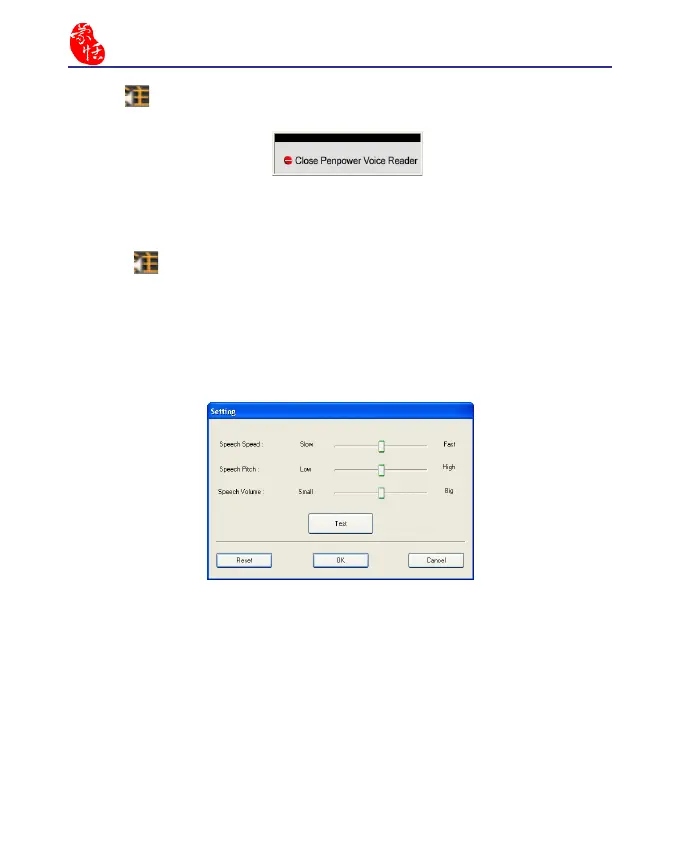
1. Click , select “Setting” to open the setting dialog.
Speech Speed
: Adjust the speed of reading.
Speech Pitch : Adjust the tone of reading.
Speech Volume : Adjust the volume of reading.
6.Click , select “Exit” to exit the Penpower Voice Reader.



 To Next Page