Chapter 7 Settings
7-7
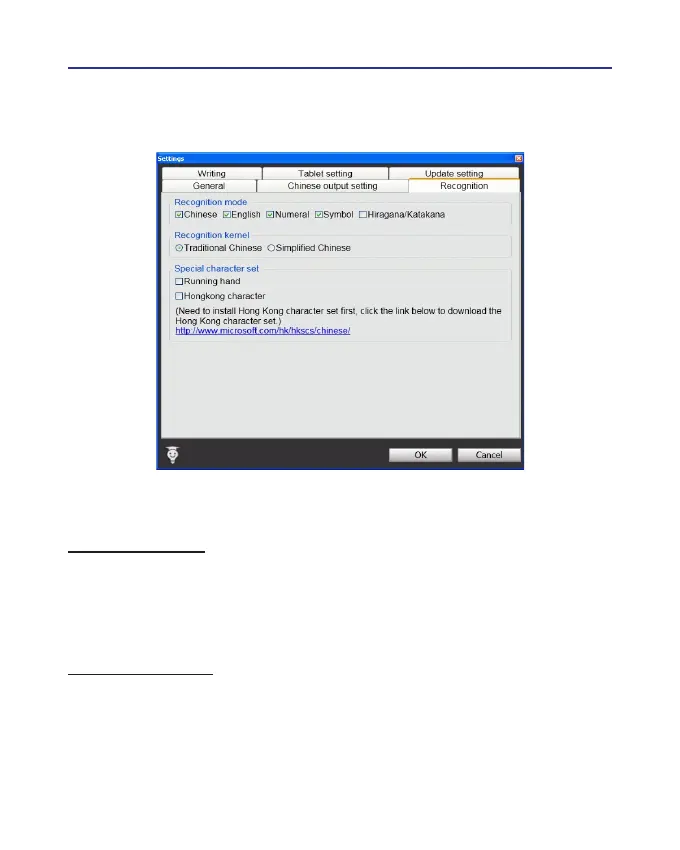
7.3 Recognition
Recognition Mode
Wireless Pen provides Chinese, English, Numeral, Symbol, and Hira-
gana
/
Katakana
Japanese recognition modes. Only select the recognition
modes you want to improve the recognition rate.
Recognition Kernel
Select [Traditional Chinese] if you write in Traditional Chinese; select
[Simplied Chinese] if you wite in Simplied Chinese. It can help you to
have higher recognition rate.



 To Next Page