Chapter 6 Input Tool
6-5
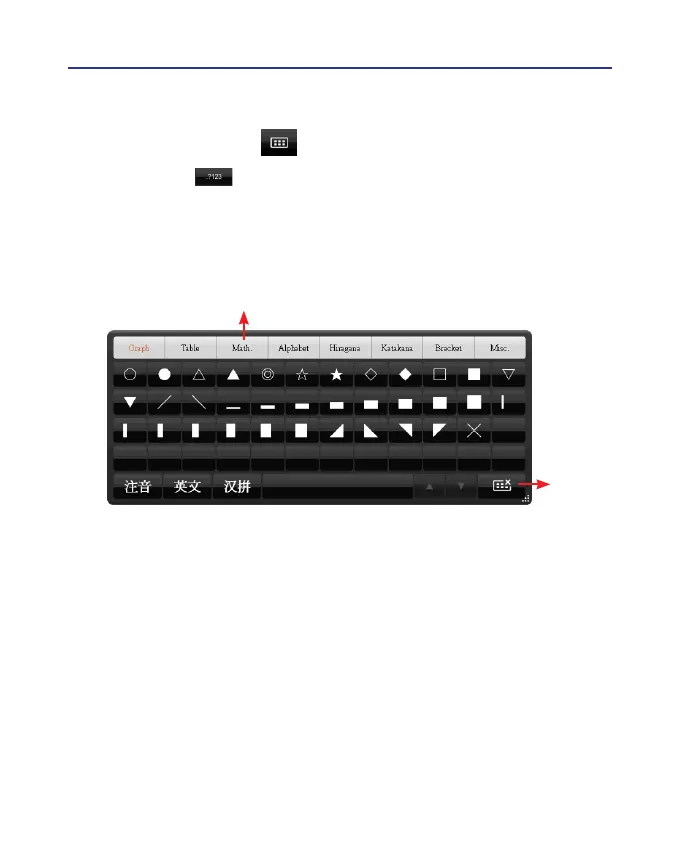
6.4 Symbol Keyboard
1. Click Input tool button to open input tool.
2. Select Symbol on the keyboard.
3. You can select various types of symbols from the top of the keyboard
which includes Graph, Table, Math., Alphabet, Hiragana, Katakana,
Bracket, and Misc..
Symbol Options
Close



 To Next Page