Chapter 11 On-Line Translator
11-1
Chapter 11 On-Line Translator
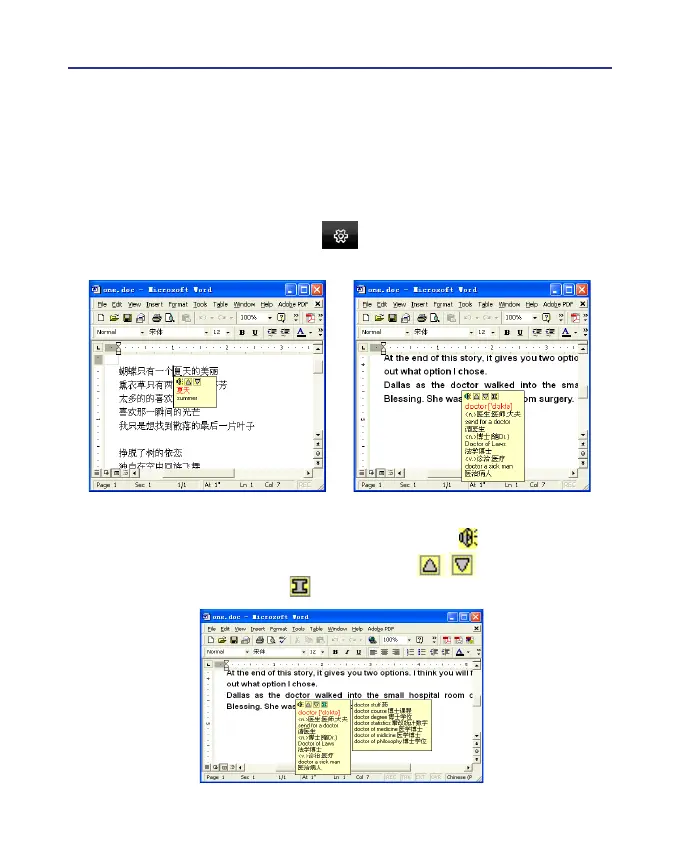
If you encounter unknown characters or phrases when reading English
or Chinese articles, move the cursor over the characters, and a translation
window pops up to explain them for you.
When you move the cursor outside the interactive scope, the window
will disappear. In the window, you can press the play button to listen to
the pronunciation or press the character button / to see the transla-
tions of related words or press button to see phrase explanation.
1. Click the function menu button and select [Open On-Line Trans-
lator] to turn on the translation function.



 To Next Page