4-12
Wireless Pen
4.6.5 Original Script
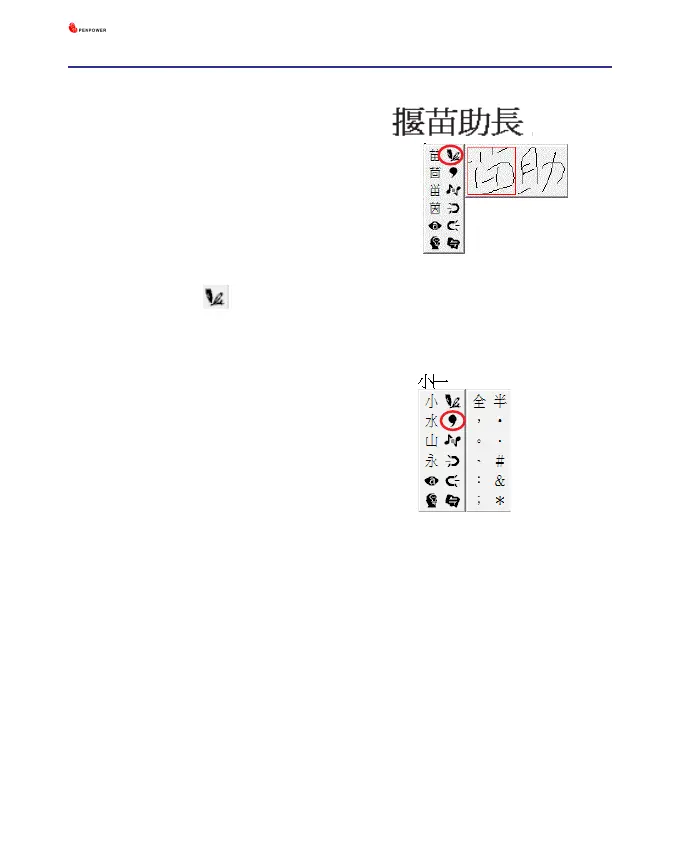
1. Write a few characters. E.g.
『揠苗
助長』
in full screen mode.
2. Move the mouse over the character
『苗』
for a couple of seconds for
the Flotation Menu to show up.
3. Move the mouse over the Original
Script button to look up you
own writing script.
4.6.6 Symbols
1. Write a few characters.
2. Move the mouse over the character
you want to add a symbol for a
couple of seconds for the Flotation
Menu to show up.
3. Move the mouse over the Symbol
button to open the symbol menu and
select and input ordinary punctuation
in full or half width.



 To Next Page