7-14
Wireless Pen
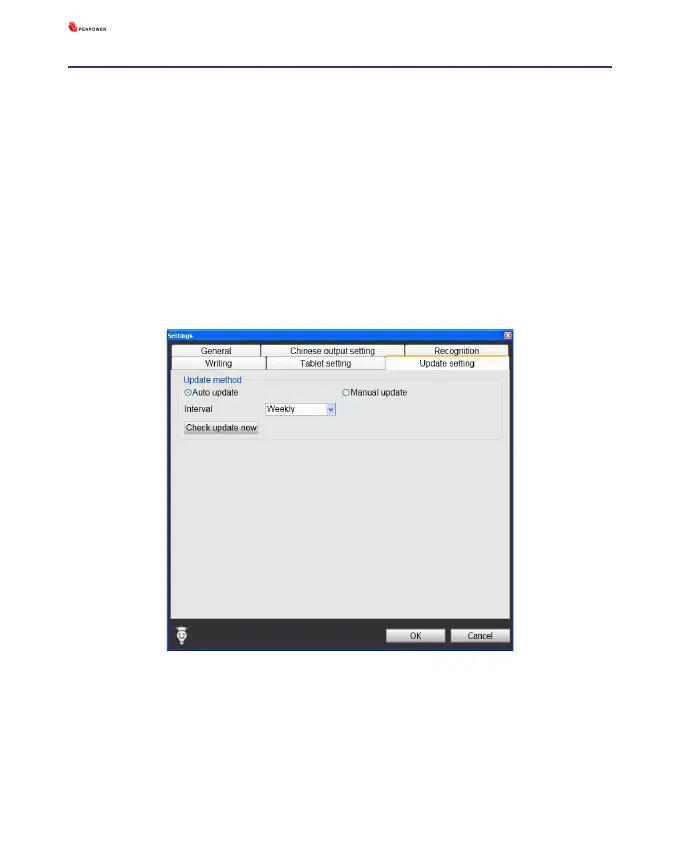
7.6 Update Setting
Automatic updates are set by default within this software. If new updates are
available, the automatic updates will download them and our server will record your
computer’s IP and MAC address along with the automatic updates.
Any information collected by us from your computer will be used exclusively for
the stated purpose, and will not be used for any other purpose.
This function of automatic updates can be disabled by clicking on the Settings
button and in the options panel ticking the box “Disable auto update”.



 To Next Page