Chapter 4 Full Screen Handwriting Mode
4-1
Chapter 4 Full Screen Handwriting Mode
4.1 Getting Started to Write
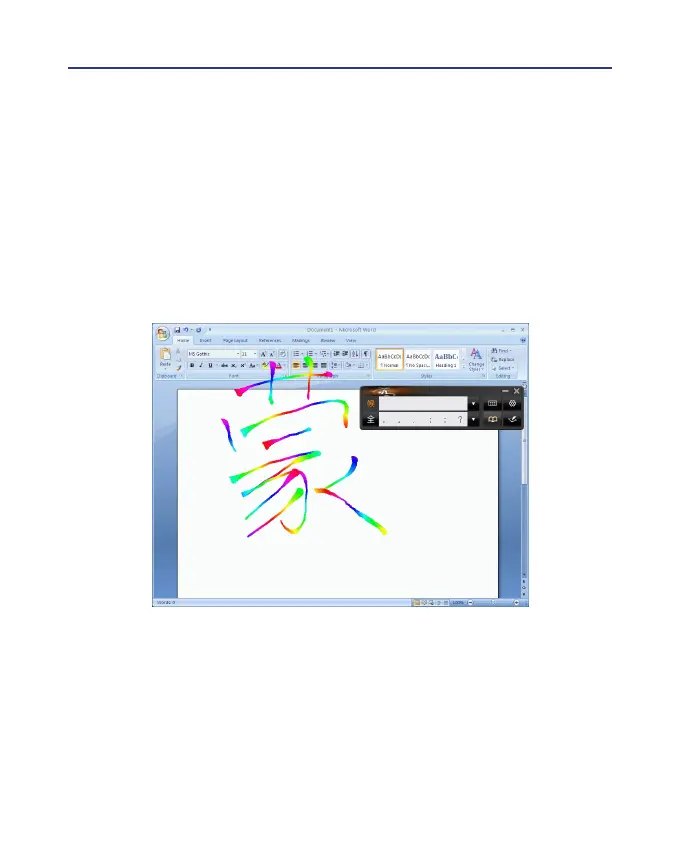
The full screen handwriting mode is the default writing mode in Wire-
less Pen software. Open any word processor, for example Microsoft Word
or WordPad, and write a word on the writing tablet. You can see the stroke
shown on the screen.



 To Next Page