5-2
Wireless Pen
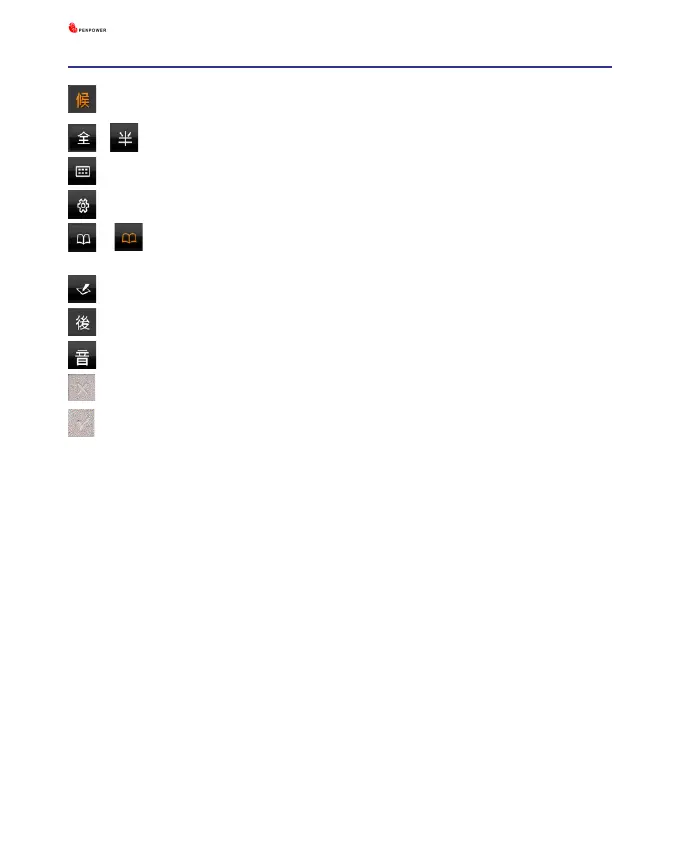
: Candidate words
\
: Full-width\ half-width
: Input tool
: Function menu
\ : Display\ hide post-related words, homophone, and related
phrase
: Open\ hide writing pad
: Post-related words
: Homophone
: Virtual button. Clear the handwriting on the writing pad.
: Virtual button. Send the handwriting to the word processor.
Tips: You can tap the left/ right top corner of the writing pad with the pan
to use Clear and Finish functions.
Other functions in the writing pad mode are the same with the functions
in the full screen mode, such as candidate words, related phrase, and etc..
Please refer to the Chapter 4 for more information.



 To Next Page