7-4
Wireless Pen
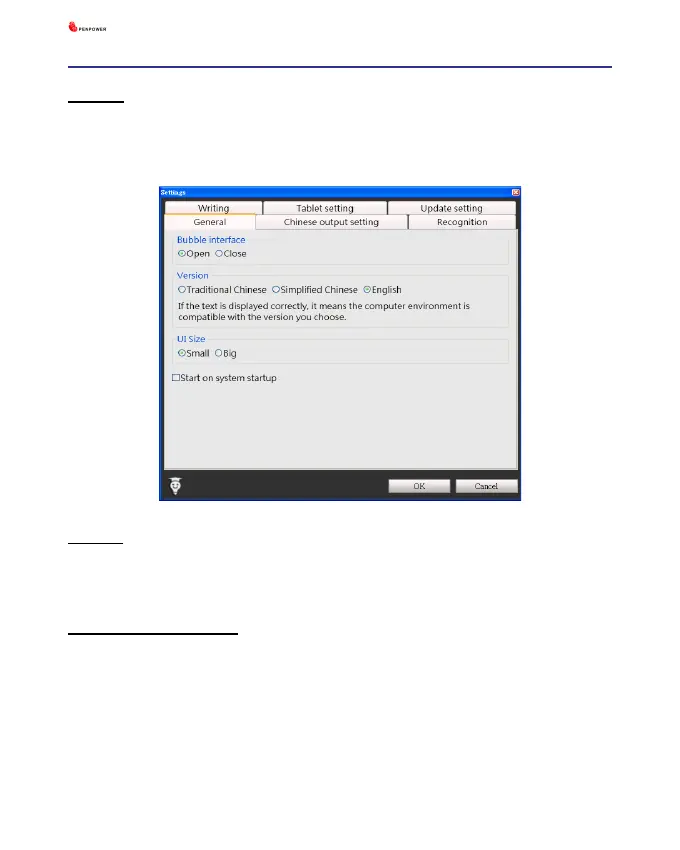
Version
You can select the display language in the user interface, including Tra-
ditional Chinese, Simplied Chinese, and English.
UI Size
You can select [Small] or [Big] to change the UI size according to your
preference.
Start on system startup
If you check the [Start on system startup] option, Wireless Pen will
run automatically every time the operation system starts up.



 To Next Page