3
Shooting
41
1 Press D in standby mode.
The Drive Mode screen appears.
2 Use CD to select T and press B.
3 Use CD to select T or U and press B.
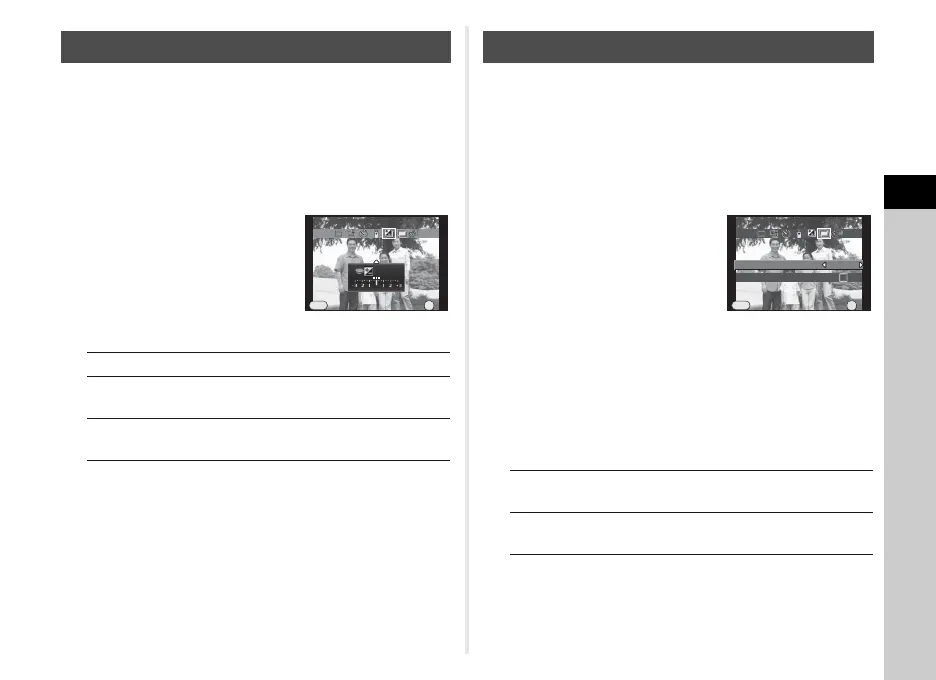
4 Set the bracket value.
The bracket value can be set in
increments of 1/3 EV.
Available operations
5 Press E.
The camera returns to standby mode.
tMemo
• You can set the bracketing order in [5. Bracketing Order] of
the E1 menu.
1 Press D in standby mode.
The Drive Mode screen appears.
2 Use CD to select V and press B.
3 Use CD to select V, W or X, and press B.
4 Use CD to select the
number of shots.
Select from 2 to 9 shots.
Set [Auto EV Adjustment] to T to
adjust exposure automatically
according to the number of shots.
5 Press E.
The camera returns to standby mode.
6 Shoot.
Instant Review is displayed.
Available operations
After the set number of pictures are taken, the camera
returns to normal capture mode.
Exposure Bracketing
V Changes the bracket value.
JV Adjusts the exposure compensation
value.
M Resets the adjustment value to the
default setting.
Exposure Bracketing
Cancel
+0.3
EV
OK
OK
MENU
Multi-exposure
L Discards pictures taken up to that point and
takes pictures again from the first picture.
F Saves pictures taken up to that point and
returns to standby mode.
Number of Shots
times
Auto EV Adjustment
2
Cancel
OK
OK
MENU
Multi-exposure



 To Next Page