ACCESSORIES
Warning/Informational Screen
WARNING
Do not let this device distract you while
driving. Always concentrate on you
driving. Distractions could cause an
accident resulting in injuries to you or
others.
IMPORTANT
Disclaimer: Map
data may be inaccurate and
navigation routes may not be available for
larger size vehicles.
Regardless of how and where the navigation
system directs you, it is your responsibility
to operate the vehicle in a safe and legal
manner.
Note: Before
using this system, read
the Owner's Manual and learn how it
operates. Some functions of this syste
will not operate when the truck is moving.
3. After reading the information, touch
the TT
T
in the
upper right corner of the
screen with your nger indicating you
acknowledge and understand the
information. The MENU screen will
automatically appear next.
Passenger Side 'down'
4. To turn the system off, press and
Mirror
hold the POWER/LIGHT button for 3
seconds.
Disclaimer
The vehicle
manufacturer is not
responsible for erroneous map data,
misrouting or any downtime or other
damages associated with or arising out
of the use of the Navigation System.
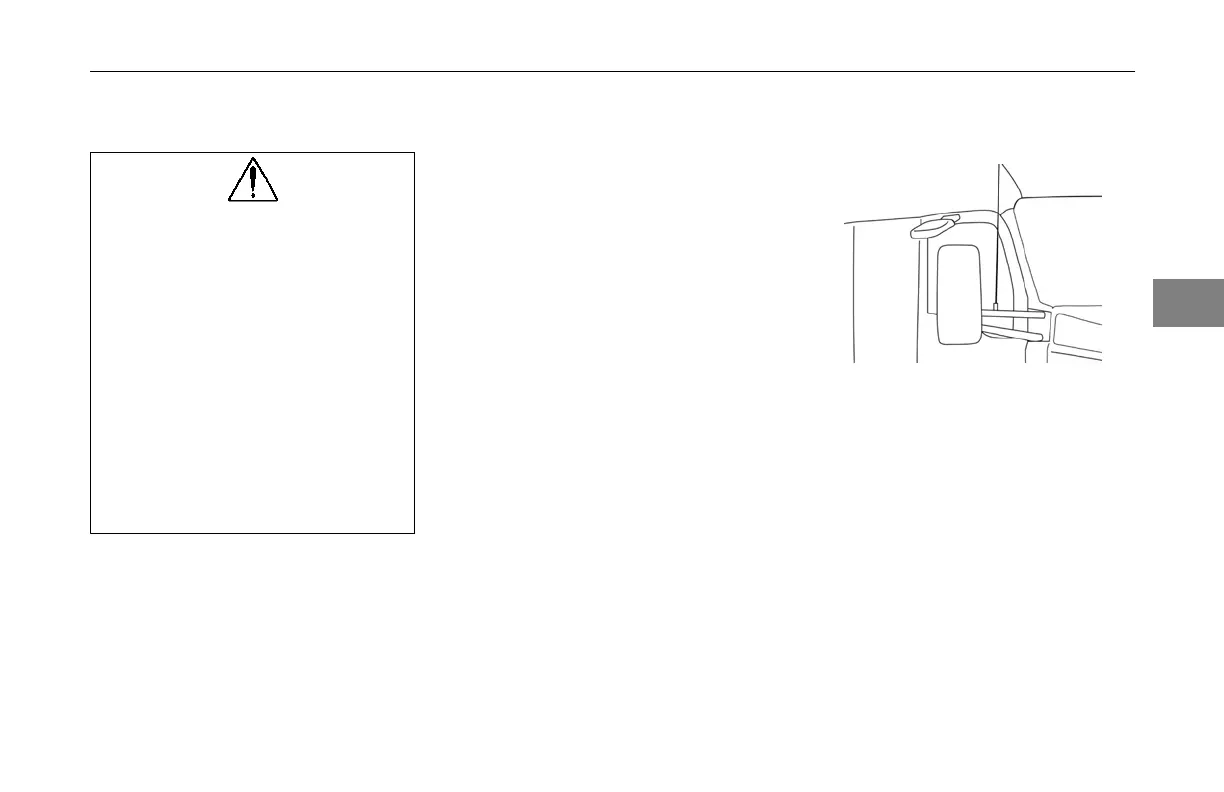
A mirror is located above the
passenger door that provides a quick
view of the blind spot created by the
passenger door.
3
(04/13) Y53-6047–2C 3-99



 To Next Page