INSTRUMENT PANEL
8. MCS Knob Cue
Used to
provide the driver with screen
navigation feedback. Cues are
provided regarding when a user can
push or spin the input control, shows
in icon format which function is active,
and which function will come up next if
the knob is rotated either clockwise or
counter clockwise.
9. Main Content
Area
There are
5 functions allowed when
driving, and 7 when the vehicle is
parked. Some functions are available
in both modes, but have different
content available dependent on the
mode
How to Navigate the
Functions in the Instrument
Cluster Display
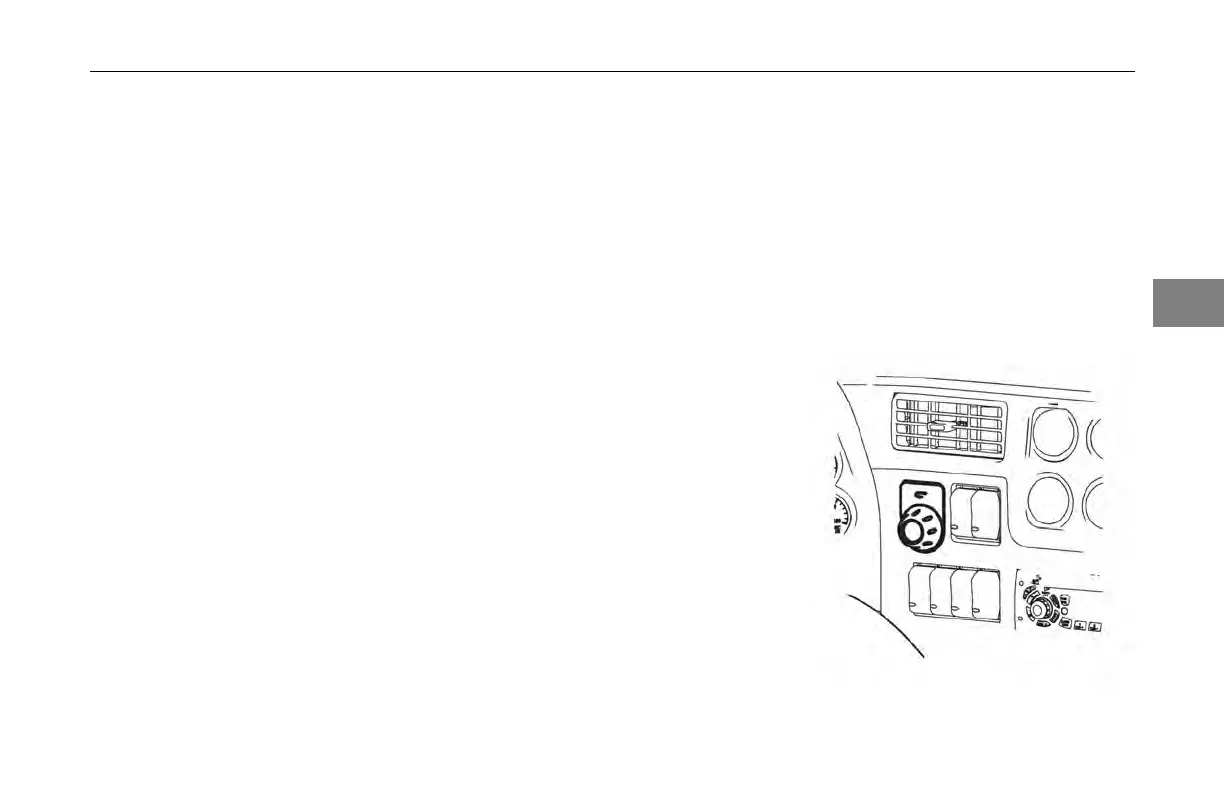
Menu Control Switch (MCS)
The MCS
is used to navigate the
instrument display. It comprises of a
back button and a push and spin knob.
The Menu Control Switch is located on
the right side panel.
3
(04/13) Y53-6047–2C 3-19



 To Next Page